



Description
Take Control of Your Academic Success with the Ultimate Student Planner Web App
The Ultimate Student Planner Web App is a clean, feature-packed mini web tool designed specifically to help students organize. Their daily school routine, boost study focus, and optimize academic performance all inside an intuitive, distraction-free dashboard.
Staying organized in high school or college can be overwhelming. Between managing class schedules, tracking assignment deadlines, preparing for upcoming exams, and maintaining a high GPA. Students need a modern, reliable digital assistant.
💡 Key Features Included in the Student Planner Web App:
📊 Interactive Academic Dashboard: Get an instant daily snapshot of your study focus minutes, pending tasks, active courses, and weekly completion. Trends powered by clean visual charts.
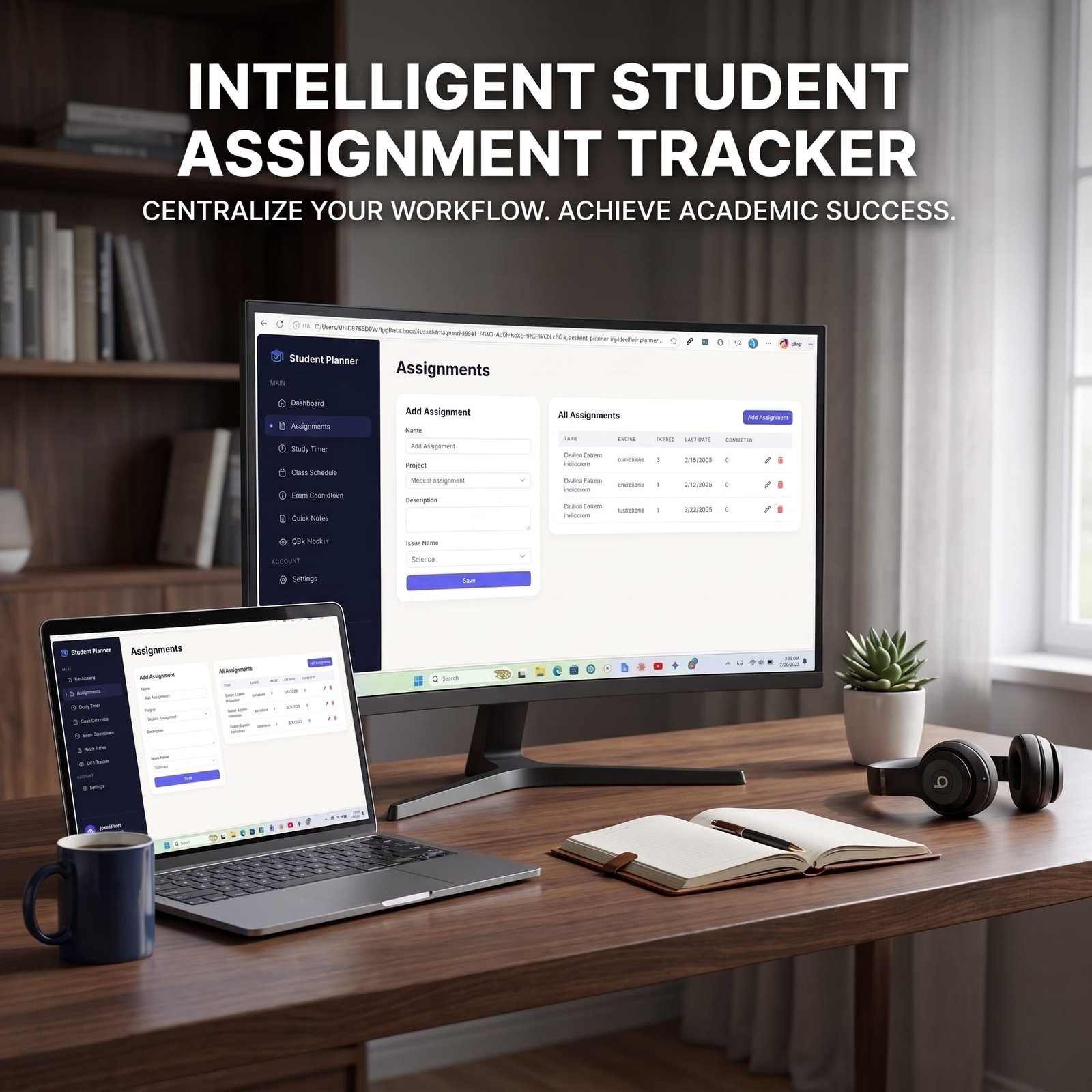
📝 Smart Assignment Tracker: Easily log homework, projects, and deadlines. Prioritize tasks (Low, Medium, High, Urgent) and update statuses dynamically with visual status badges.
⏱️ Pomodoro Study Timer: Increase deep work productivity using built-in 25-minute focus sessions and 5-minute break cycles with automated time logging.
🗓️ Weekly Class Timetable: Organize your Monday–Friday schedule with color-coded course tags, class start times, durations, and instructor names.
⏳ Real-Time Exam Countdown: Never miss an important exam date! The app provides a live countdown displaying remaining days, hours, and minutes for your nearest exams.
🎓 US 4.0 Scale GPA Tracker: Log course grades and credit hours to automatically compute and track your cumulative GPA in real time.
📌 Quick Notes & Reminders: Instantly jot down lecture ideas, quick reminders, or thoughts on clean digital sticky notes.
🛠️ Technical Highlights & Seller Benefits:
100% Privacy-First & Offline Ready: Built using native browser local Storage, ensuring all student data (profile, grades, tasks, timer logs) is stored securely on the user’s device without needing external databases or cloud setup.
Ultra-Fast & Lightweight Code: Constructed with clean HTML5, modern vanilla JavaScript, and utility. First Tailwind CSS for lightning-fast rendering and responsive design across desktop, tablet, and mobile screens.
Zero Dependencies / Ready to Sell: Perfect digital product for web application stores, micro-SaaS marketplaces, developer templates, or educational digital downloads.
Empower your study routine today download the Ultimate Student Planner Web App and experience effortless academic organization!
License Terms:
1.STANDARD LICENSE (Personal Use Only)
Who can use this?
Individuals purchasing for their own personal organization and planning.
Allowed (What you CAN do):
- Use this planner for your own personal daily planning, organization, and life management.
- Download and install on your personal devices (Tablet, iPad, Phone, PC).
- Print unlimited copies for your personal use only.
Not Allowed (What you CANNOT do):
❌ Share, send, or email the original files or links to friends, family, or anyone else.
❌ Use this planner for any commercial, business, or client-related projects.
❌ Resell, sub-license, redistribute, or give away the original or edited files for free or paid.
2.COMMERCIAL LICENSE (Business & Client Projects)
Who can use this?
Freelancers, small business owners, agencies, and content creators.
Allowed (What you CAN do):
- Use this product for your business operations and internal workflow.
- Use this product to create completed end-projects for up to 50 Clients / Projects.
- Modify, customize, and brand the planner to fit your client’s needs.
Not Allowed (What you CANNOT do):
❌ Resell, share, or redistribute the planner files in their original editable format.
❌ Sell this product as a standalone planner on digital platforms (Etsy, website, market places).
❌ Claim original ownership or copyright of the source files.
3. EXTENDED LICENSE (Unlimited Commercial & Resell Usage)
Who can use this?
Agencies, large businesses, and digital product sellers looking for maximum freedom.
Allowed (What you CAN do):
- Use this planner for unlimited personal, business, and client projects.
- Customize, re-brand, edit, and combine this product with other elements.
- Sell the modified final product (End Product) to end-users on your website or online store.
Not Allowed (What you CANNOT do):
❌ Resell or distribute the source files as-is without making significant additions or modifications.
❌ Trademark or copyright the original design elements provided in this pack.
Frequently Ask Question
What is the Student Planner Web App?
How does a web app student planner work compared to a digital PDF planner?
Can I use the Student Planner Web App on mobile devices and laptops?
Is any software installation or complex setup required?
How does this web app planner help improve student productivity and academic goals?
How do I access the Student Planner Web App after purchase on Blueprint Market?
📌 Important Guide: Data Safety & Cross-Device Syncing
Our web planners use your browser’s Local Storage to keep your daily entries fast, responsive, and completely private without requiring any accounts or passwords.
⚠️ Key Points to Remember:
No Auto-Sync: Data saved on your mobile browser will not automatically sync to your computer/laptop.
Cache Clearance Alert: Clearing browser history, cookies, or site cache will permanently erase your saved progress. Always export/download a backup of your data BEFORE clearing your browser cache or history!
Incognito Mode: Avoid using private/incognito windows if you want to store progress long-term.
📱 How to Transfer Data from Mobile to Computer (or vice versa):
Export: Open the planner on your phone, click “Export Data” (or Backup) to download you. Json backup file.
Transfer: Send this downloaded file to your computer via Email, WhatsApp, or Google Drive.
Import: Open the planner on your desktop browser, click “Import Data”, choose the file, and your entries will restore instantly!
💡 Tip: Make it a habit to export regular backups using the built-in feature to keep your progress safe at all times!
🎁 Complete Your Academic Toolkit!
🖨️ Prefer Pen & Paper?
If you love physical organizing, check out our [Printable Student Planner Kit] — Download, print, and organize your desk instantly!
📚 Master Your Daily Schedule!
Stop procrastinating and boost your study productivity. [Get the Student Time Management eBook ] and learn step-by-step techniques to score higher with less stress.
Related Products:
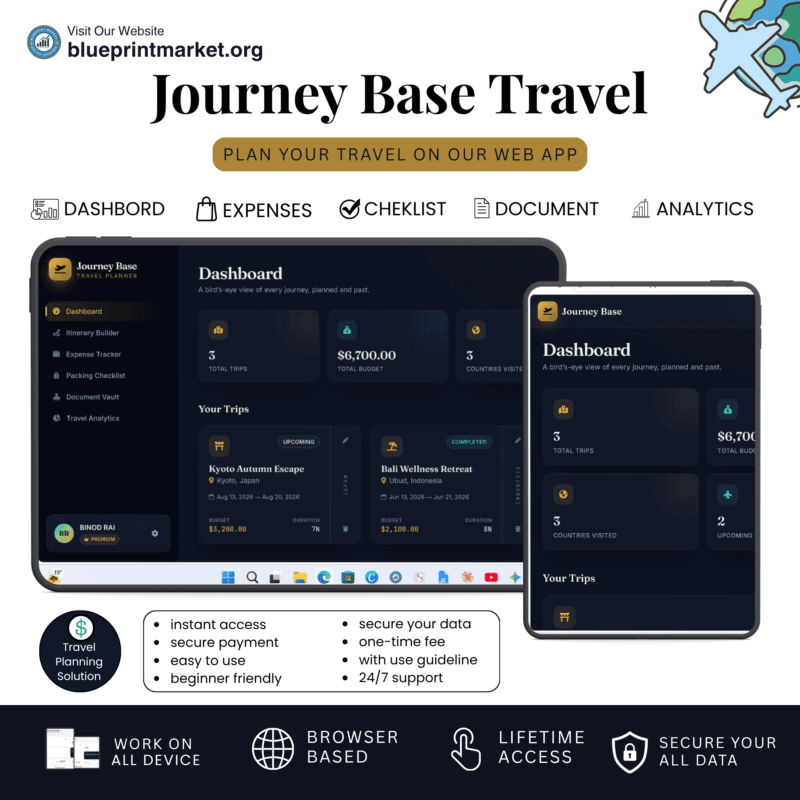
- Journey Base: Ultimate Travel Planner Single Page Mini Web App
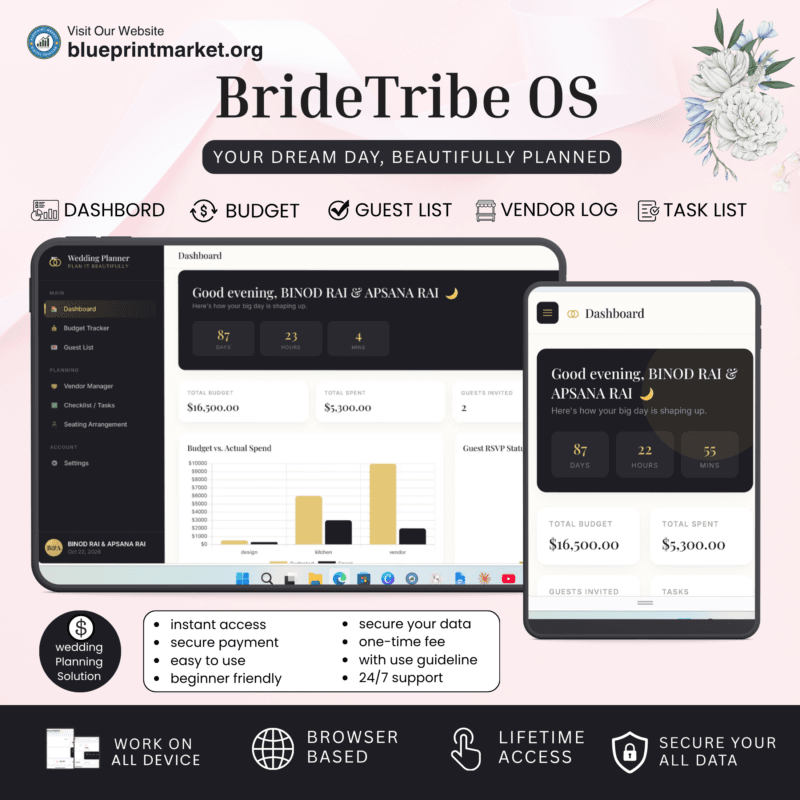
- BrideTribe OS: All-in-One Wedding Planner Tool and Organizer
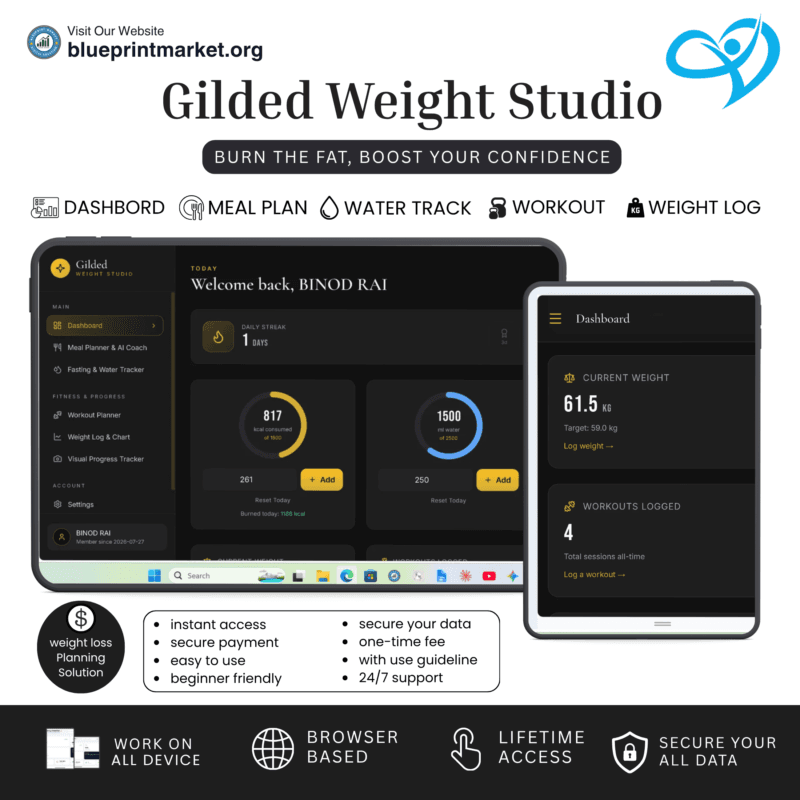
- Gilded: Digital Weight Loss Planner Tool & Fitness Tracker
✔ Verified Internal Resource


Reviews
There are no reviews yet.