





Description
Moving Checklist & Relocation Planner
Planning a move can quickly become overwhelming when tasks, expenses, boxes, documents, and important deadlines are spread across different notes and apps. Waypoint brings your entire move into one organized moving checklist and relocation planner, helping you stay on track from the first preparation task through moving day and beyond.
Everything You Need in One Moving Checklist
Waypoint is designed to make move planning simpler by combining your essential relocation tasks and information in one place. Instead of managing separate lists for packing, expenses, documents, and moving deadlines, you can organize your entire move from a single dashboard.
Pre-Move, Moving Day & Post-Move Tasks
Create and manage a complete moving checklist with tasks organized into three practical stages: Pre-Move, Moving Day, and Post-Move. You can add your own tasks, assign them to the appropriate phase, and mark them complete as you progress.
- Track important moving tasks from preparation to completion
- Use preset moving checklist tasks to get started faster
- Add custom tasks for your specific relocation
- Monitor overall checklist progress with a visual progress bar
Plan Your Moving Budget
Moving expenses can add up quickly, which is why Waypoint includes a dedicated moving budget planner. Add expenses, organize them by category, and compare estimated costs with actual spending.
Track Estimated vs. Actual Moving Costs
The budget section helps you monitor your relocation expenses across categories such as Visa/Legal, Packing & Shipping, Housing/Deposit, Travel, and Miscellaneous.
- Add estimated moving expenses
- Record actual spending
- See total estimated and actual costs
- Monitor your remaining budget
- Choose from multiple currency options
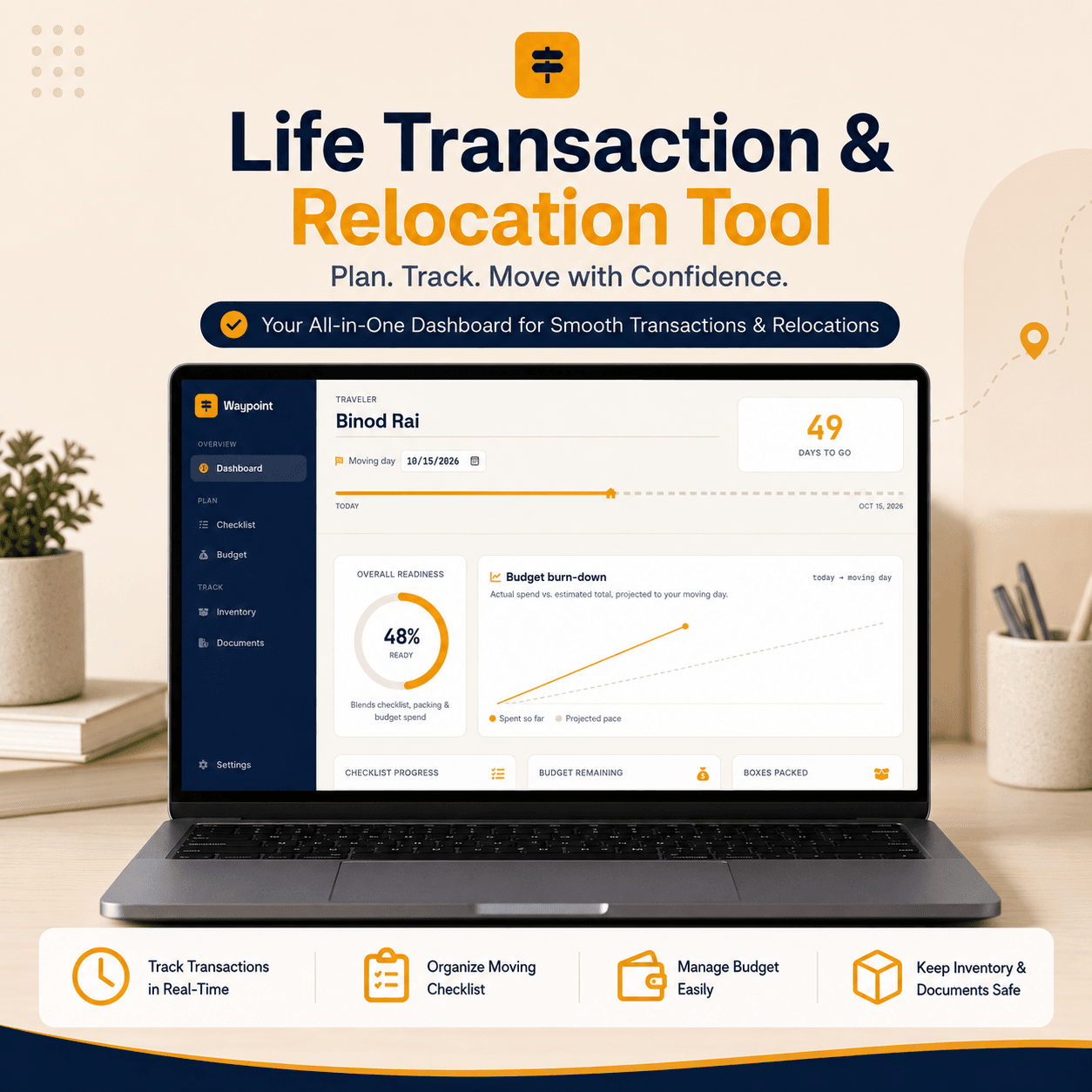
The dashboard also includes a budget burn-down projection that compares your current spending with your estimated total through moving day.
Need Help Getting Started?
Follow the Waypoint User Guide PDF for a simple step-by-step walkthrough of the moving checklist, budget, packing inventory, document tracking, and other features.
📖 Read the Waypoint User Guide
Packing Inventory & Box Tracking
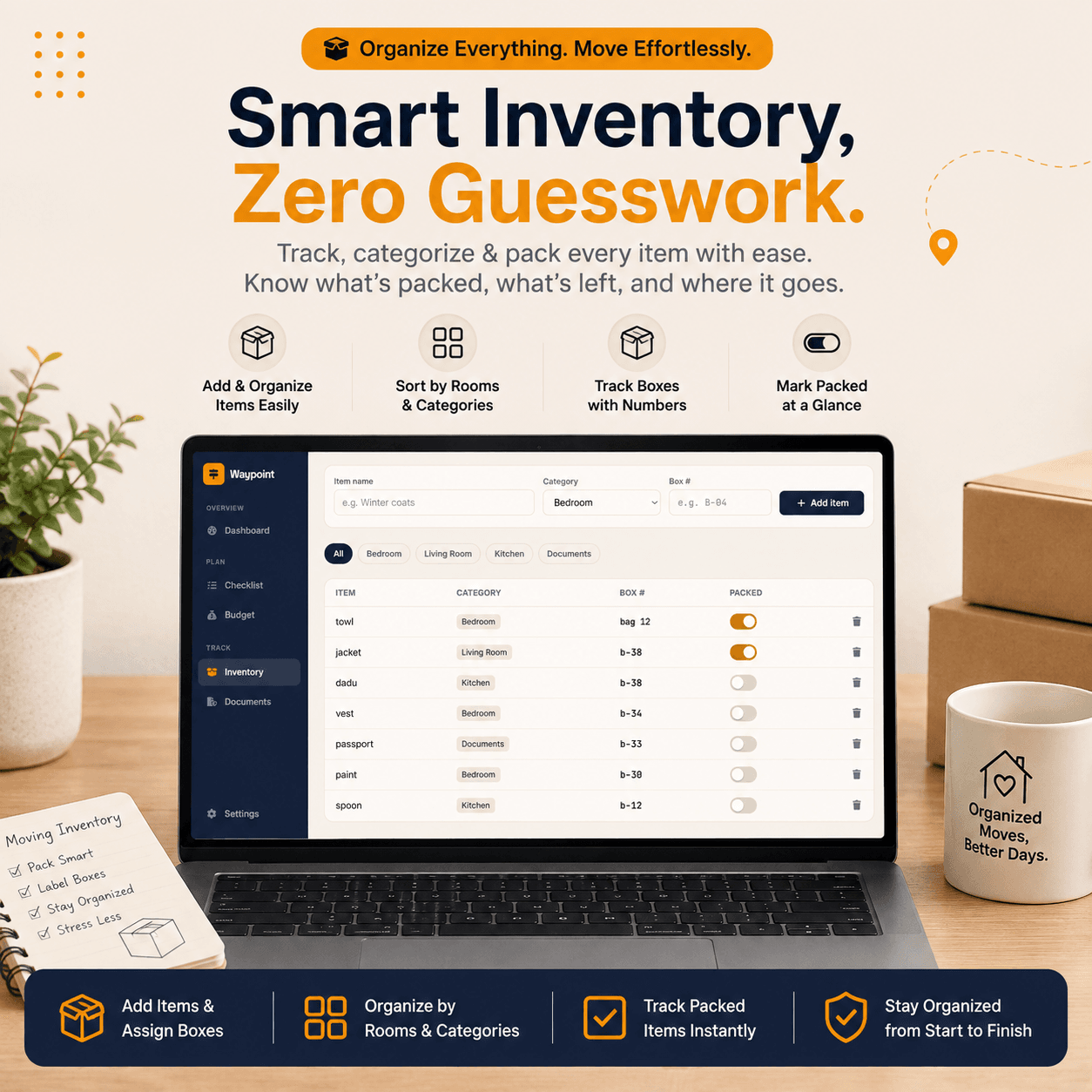
Keeping track of everything you are moving is easier with Waypoint’s packing inventory. Add household items, assign categories, record box numbers, and mark items as packed.
Organize Your Moving Boxes
Use the inventory section to keep your packing process organized and reduce the chance of forgetting important items.
- Add items to your moving inventory
- Organize items by room or category
- Assign box numbers
- Mark items as packed
- Monitor your overall packing progress
Keep Important Documents Organized
Relocation often involves important paperwork, so Waypoint includes a document tracking section. Add documents, assign their current status, and optionally record expiration dates.
Monitor Document Status
You can track documents using statuses such as Pending, In Progress, and Ready. The tool can also identify documents approaching expiration based on your moving date.
- Track important relocation documents
- Set document status
- Add optional expiration dates
- Identify documents that may expire soon
Moving Day Countdown & Readiness Dashboard
Waypoint gives you a clear view of your relocation progress with a moving-day countdown and overall readiness score. The dashboard combines checklist completion, packing progress, and budget information to give you a simple snapshot of how prepared you are.
Stay Focused Until Moving Day
Enter your name and moving date to activate the countdown and visual journey progress. The dashboard also provides quick access to upcoming tasks, document status, budget information, and packed items.
Backup, Export & Private Browser Storage
Waypoint runs directly in your browser and stores your information in local storage on your device. You can export your relocation summary as a PDF and back up your data as a JSON file for restoration later.
A Simple Relocation Planning Tool
Whether you are moving to a new apartment, relocating to another city, or preparing for a larger life transition, Waypoint helps keep your moving checklist, relocation budget, packing inventory, documents, and important contacts organized in one place.
Start planning your move with Waypoint and turn a stressful relocation into a clear, organized process.
Plan Your Move Without Losing Track of Your Spending
Moving costs can add up fast. Keep every expense organized and stay in control of your money with our Expense Budget Planner.
💰 Track Your Expenses with Our Budget Planner
License Terms:
1.STANDARD LICENSE (Personal Use Only)
Who can use this?
Individuals purchasing for their own personal organization and planning.
Allowed (What you CAN do):
- Use this planner for your own personal daily planning, organization, and life management.
- Download and install on your personal devices (Tablet, iPad, Phone, PC).
- Print unlimited copies for your personal use only.
Not Allowed (What you CANNOT do):
❌ Share, send, or email the original files or links to friends, family, or anyone else.
❌ Use this planner for any commercial, business, or client-related projects.
❌ Resell, sub-license, redistribute, or give away the original or edited files for free or paid.
2.COMMERCIAL LICENSE (Business & Client Projects)
Who can use this?
Freelancers, small business owners, agencies, and content creators.
Allowed (What you CAN do):
- Use this product for your business operations and internal workflow.
- Use this product to create completed end-projects for up to 50 Clients / Projects.
- Modify, customize, and brand the planner to fit your client’s needs.
Not Allowed (What you CANNOT do):
❌ Resell, share, or redistribute the planner files in their original editable format.
❌ Sell this product as a standalone planner on digital platforms (Etsy, website, marketplaces).
❌ Claim original ownership or copyright of the source files.
- EXTENDED LICENSE (Unlimited Commercial & Resell Usage)
Who can use this?
Agencies, large businesses, and digital product sellers looking for maximum freedom.
Allowed (What you CAN do):
- Use this planner for unlimited personal, business, and client projects.
- Customize, re-brand, edit, and combine this product with other elements.
- Sell the modified final product (End Product) to end-users on your website or online store.
Not Allowed (What you CANNOT do):
❌ Resell or distribute the source files as-is without making significant additions or modifications.
❌ Trademark or copyright the original design elements provided in this pack.
Frequently Asked Questions
What is Waypoint, and how does it help simplify the moving process?
Do I need to create an account or pay a monthly subscription to use Waypoint?
How does the Moving Budget tool help control spending?
How does the Packing Inventory feature track my moving boxes?
Can I access and transfer my moving data across different devices?
Can I export my moving summary for offline viewing or printing?
📌 Important Guide: Data Safety & Cross-Device Syncing
Our web planners use your browser’s Local Storage to keep your daily entries fast, responsive, and completely private without requiring any accounts or passwords.
⚠️ Key Points to Remember:
- No Auto-Sync: Data saved on your mobile browser will not automatically sync to your computer/laptop.
- Cache Clearance Alert: Clearing browser history, cookies, or site cache will permanently erase your saved progress. Always export/download a backup of your data BEFORE clearing your browser cache or history!
- Incognito Mode: Avoid using private/incognito windows if you want to store progress long-term.
📱 How to Transfer Data from Mobile to Computer (or vice versa):
- Export: Open the planner on your phone, click “Export Data” (or Backup) to download you. Json backup file.
- Transfer: Send this downloaded file to your computer via Email, WhatsApp, or Google Drive.
- Import: Open the planner on your desktop browser, click “Import Data”, choose the file, and your entries will restore instantly!
💡 Tip: Make it a habit to export regular backups using the built-in feature to keep your progress safe at all times.
Related Products:
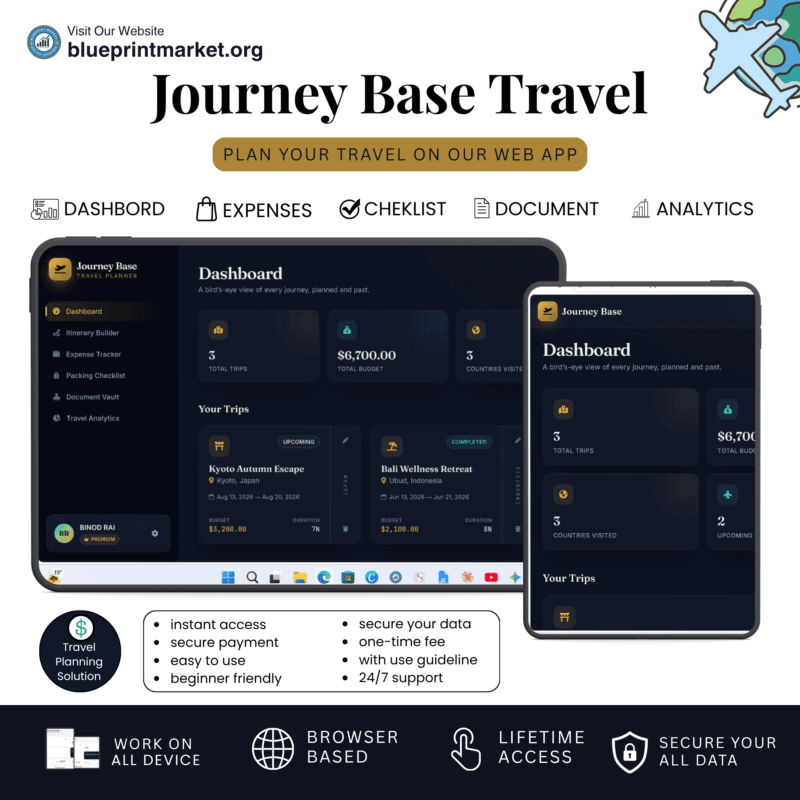
- Journey Base: Ultimate Travel Planner Single Page Mini Web App
- BrideTribe OS: All-in-One Wedding Planner Tool and Organizer
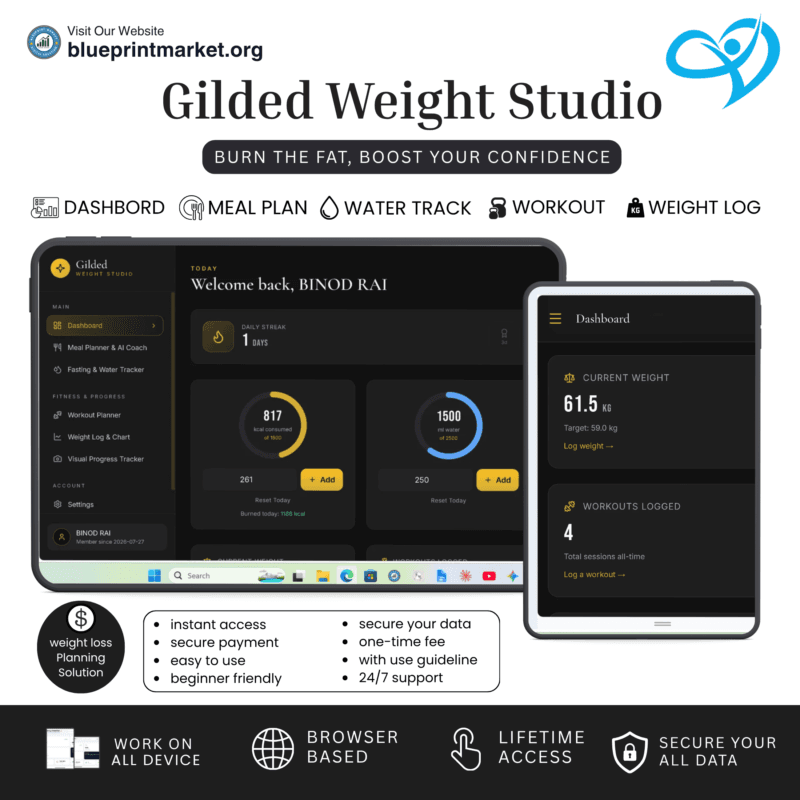
- Gilded: Digital Weight Loss Planner Tool & Fitness Tracker
✔ Verified Internal Resource





Reviews
There are no reviews yet.