




Description
Take Full Control of Your Health with the Ultimate Fitness Planner Mini Web App
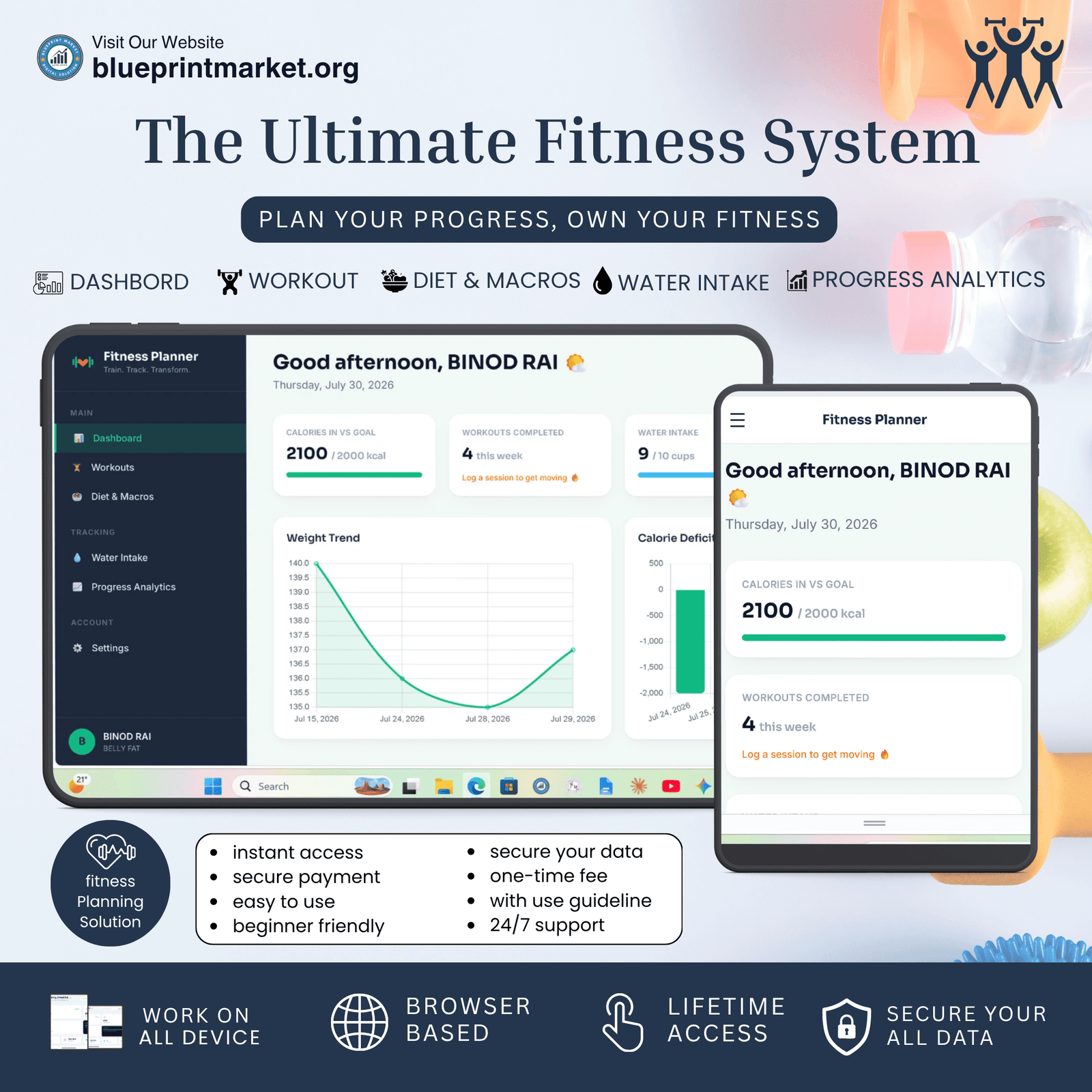
Achieving your personal health and fitness goals requires consistency, accurate tracking, and the right digital tools. The Fitness Planner Mini Web App is a modern, clean, and highly responsive web application designed for fitness enthusiasts, bodybuilders, athletes, and anyone striving for a healthier lifestyle.
Designed as a fully functional client-side application, this Planner runs completely in your front-end browser environment without relying on external databases or complex server backends. Your fitness journey remains fast, seamless, and completely private.
Key Features & Capability Highlights
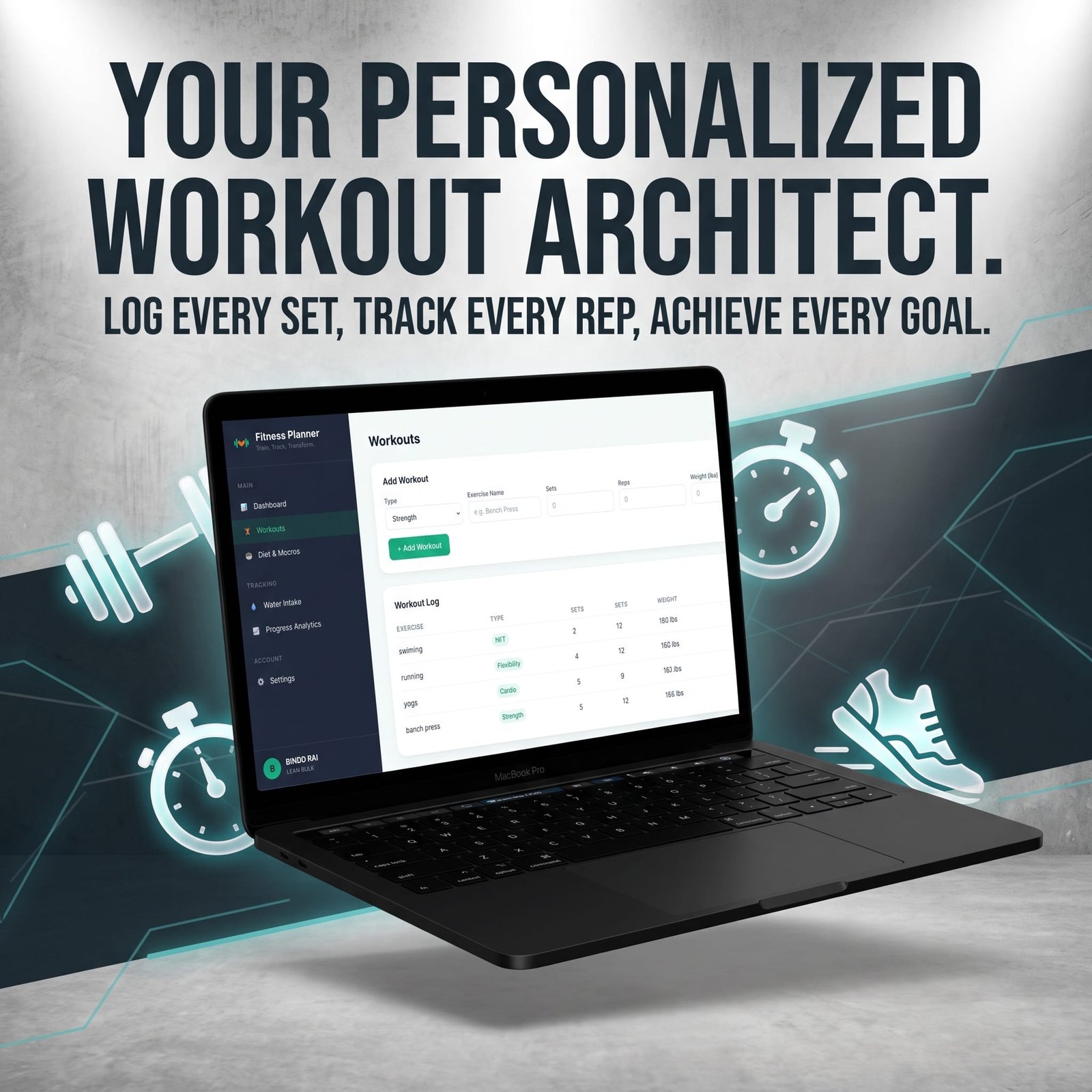
Comprehensive Workout Tracking: Easily log daily workouts categorized by Strength, Cardio, Flexibility, or HIIT. Record exact exercise names, sets, reps, and lifted weights to ensure continuous progressive overload and performance improvement.
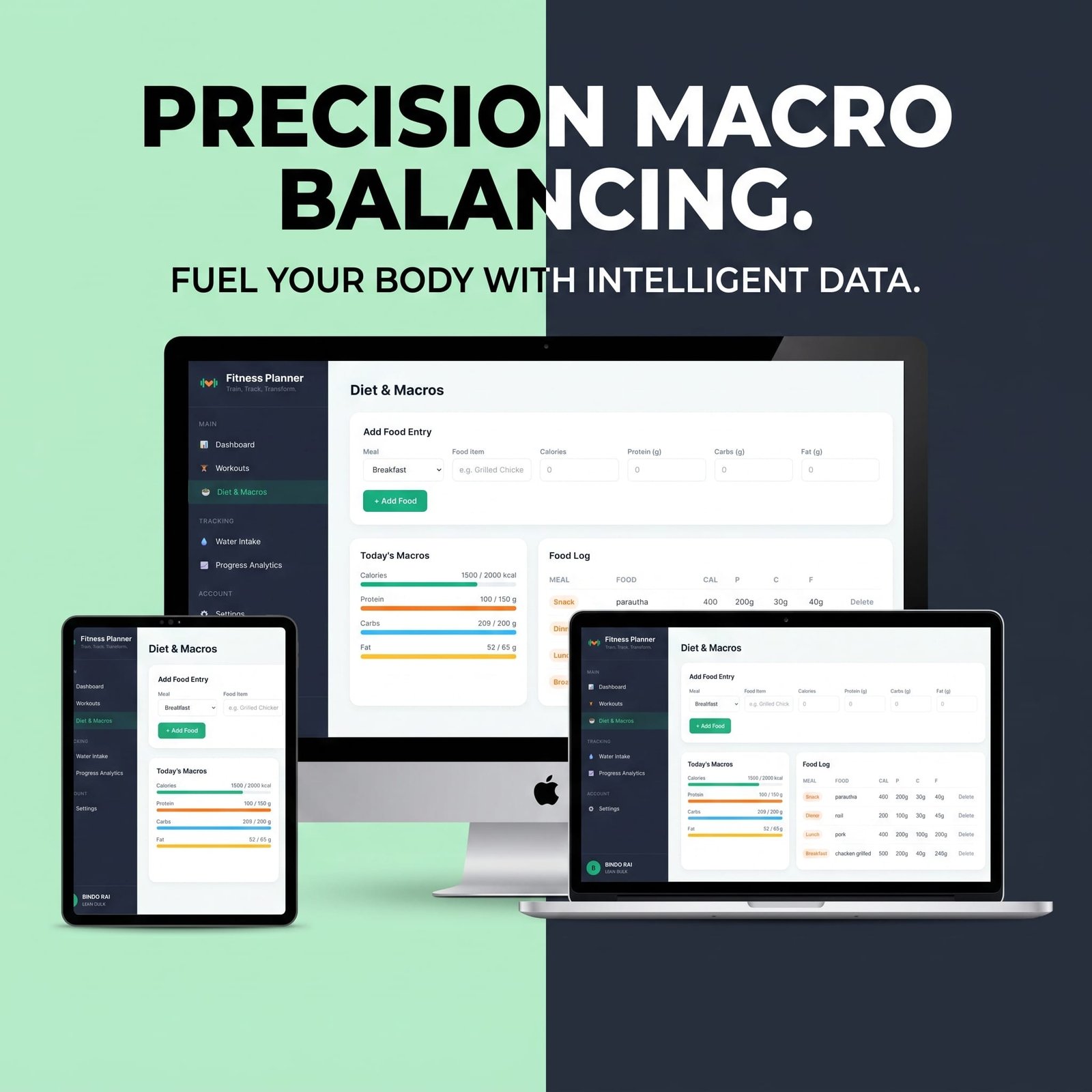
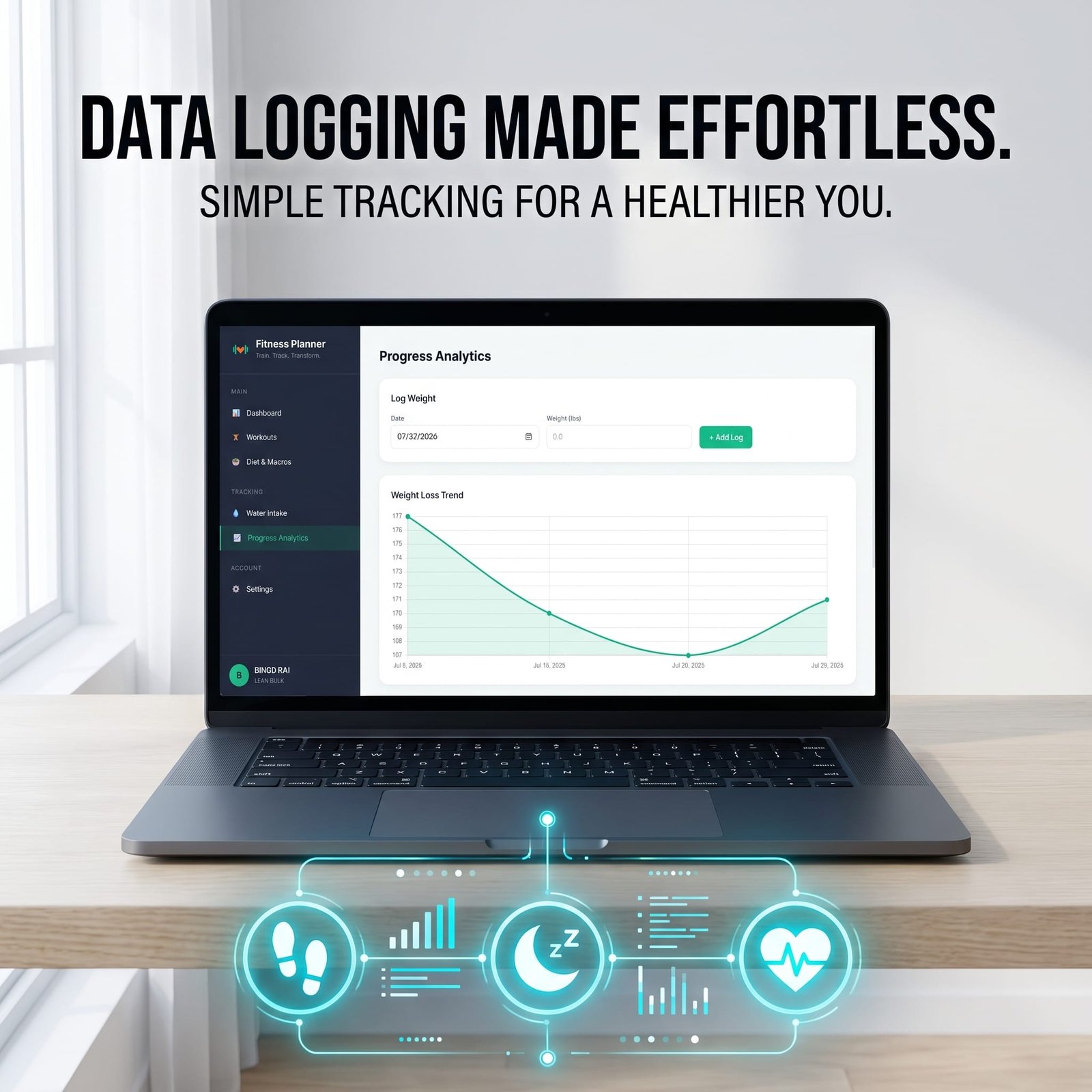
Precision Diet & Macro Calculator: Track daily caloric intake alongside precise macronutrients Protein, Carbohydrates, and Fats. Real-time visual progress bars help you effortlessly stay within your daily deficit or surplus targets.
Interactive Hydration Tracker: Maintain optimal hydration levels with the quick-add water logger. Set custom daily fluid targets and monitor daily cup consumption with interactive visual counters.
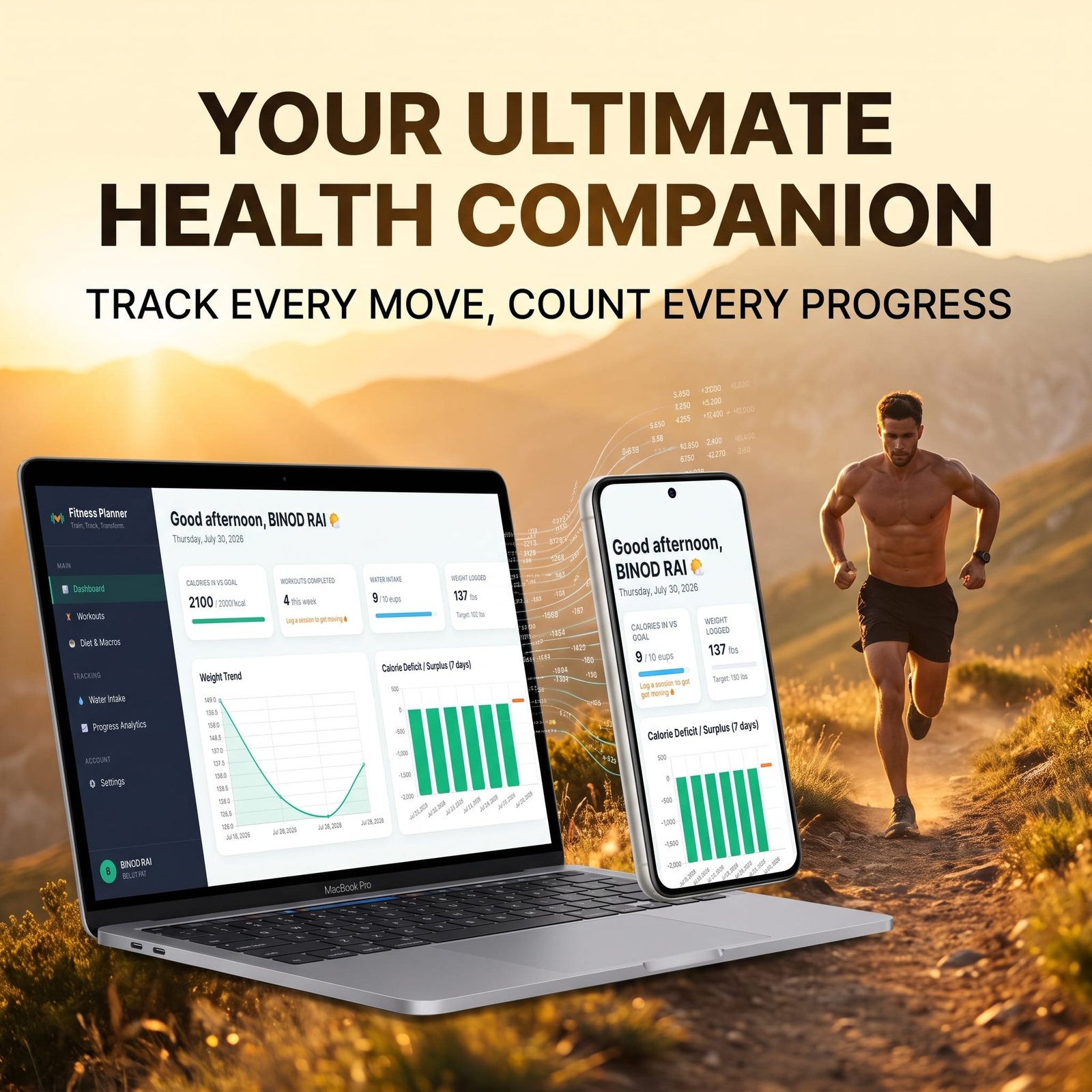
Visual Analytics & Progress Charts: Dynamic Chart.js integration displays real-time weight trends and calorie balance (deficit vs. surplus) over time. Easily visualize your transformation journey and adjust your routines accordingly.
100% Client-Side Privacy & Offline Support: Powered by HTML5 Local Storage, all your personal profile details, daily goals, meal logs, and exercise histories stay stored safely in your web browser. Enjoy instant loading speeds with zero login hassle and absolute data privacy.
Why Choose This Fitness Planner Mini Web App?
Unlike traditional tools that demand monthly subscriptions, aggressive advertisements, or tedious user account registrations, this Fitness Planner Mini Web App offers instant access right from your browser.
Built using modern Tailwind CSS frameworks and responsive web architectures, it works seamlessly across smartphones, tablets, and desktop computers.
Whether you are aiming for weight loss, muscle gain, lean bulking, or general lifestyle tracking, this Planner serves as your all-in-one digital health dashboard. Set daily targets, monitor step-by-step progress, and stay motivated every day.
📝 PREFER HANDWRITTEN TRACKING & PRINTABLE SHEETS?
Complement your digital system with our [Printable & Editable Fitness Planner Canva Template]! Perfect for paper lovers who want to log daily workouts, plan weekly meals, and write down wellness goals by hand or customize templates easily in Canva.
👉 [Get Your Editable & Printable Fitness Planner Here]
📖 Boost Your Results with Our Exclusive “Fitness Classes” Guide!
Want to maximize your fitness progress alongside this tracker? Check out our ultimate Fitness Classes E-Book! Whether you are a beginner or looking to master advanced workout routines, this comprehensive guide covers expert-guided workouts, diet strategies, and class routines to help you reach your body goals faster.
👉 Download the Fitness Classes E-Book Now & Level Up Your Training!
License Terms:
1.STANDARD LICENSE (Personal Use Only)
Who can use this?
Individuals purchasing for their own personal organization and planning.
Allowed (What you CAN do):
- Use this planner for your own personal daily planning, organization, and life management.
- Download and install on your personal devices (Tablet, iPad, Phone, PC).
- Print unlimited copies for your personal use only.
Not Allowed (What you CANNOT do):
❌ Share, send, or email the original files or links to friends, family, or anyone else.
❌ Use this planner for any commercial, business, or client-related projects.
❌ Resell, sub-license, redistribute, or give away the original or edited files for free or paid.
2.COMMERCIAL LICENSE (Business & Client Projects)
Who can use this?
Freelancers, small business owners, agencies, and content creators.
Allowed (What you CAN do):
- Use this product for your business operations and internal workflow.
- Use this product to create completed end-projects for up to 50 Clients / Projects.
- Modify, customize, and brand the planner to fit your client’s needs.
Not Allowed (What you CANNOT do):
❌ Resell, share, or redistribute the planner files in their original editable format.
❌ Sell this product as a standalone planner on digital platforms (Etsy, website, marketplaces).
❌ Claim original ownership or copyright of the source files.
3. EXTENDED LICENSE (Unlimited Commercial & Resell Usage)
Who can use this?
Agencies, large businesses, and digital product sellers looking for maximum freedom.
Allowed (What you CAN do):
- Use this planner for unlimited personal, business, and client projects.
- Customize, re-brand, edit, and combine this product with other elements.
- Sell the modified final product (End Product) to end-users on your website or online store.
Not Allowed (What you CANNOT do):
❌ Resell or distribute the source files as-is without making significant additions or modifications.
❌ Trademark or copyright the original design elements provided in this pack.
Frequently Ask Question
What is the Fitness Planner Mini Web App?
How does an interactive mini web app planner differ from a printable planner?
Do I need to install any software or apps to use this fitness planner?
Is the Fitness Planner Mini Web App suitable for beginners?
Can I track weight loss and workout goals with this planner?
How do I access the web app after completing my purchase on Blueprint Market?
📌 Important Guide: Data Safety & Cross-Device Syncing
Our web planners use your browser’s Local Storage to keep your daily entries fast, responsive, and completely private without requiring any accounts or passwords.
⚠️ Key Points to Remember:
No Auto-Sync: Data saved on your mobile browser will not automatically sync to your computer/laptop.
Cache Clearance Alert: Clearing browser history, cookies, or site cache will permanently erase your saved progress. Always export/download a backup of your data BEFORE clearing your browser cache or history!
Incognito Mode: Avoid using private/incognito windows if you want to store progress long-term.
📱 How to Transfer Data from Mobile to Computer (or vice versa):
Export: Open the planner on your phone, click “Export Data” (or Backup) to download you. Json backup file.
Transfer: Send this downloaded file to your computer via Email, WhatsApp, or Google Drive.
Import: Open the planner on your desktop browser, click “Import Data”, choose the file, and your entries will restore instantly!
💡 Tip: Make it a habit to export regular backups using the built-in feature to keep your progress safe at all times!
Related Products:
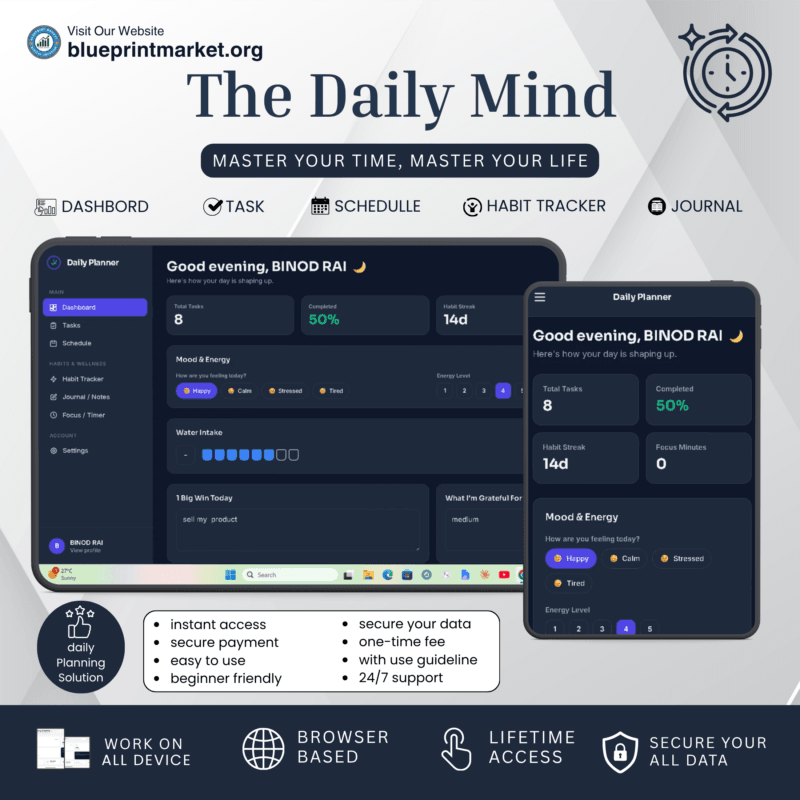
- Journey Base: Ultimate Travel Planner Single Page Mini Web App
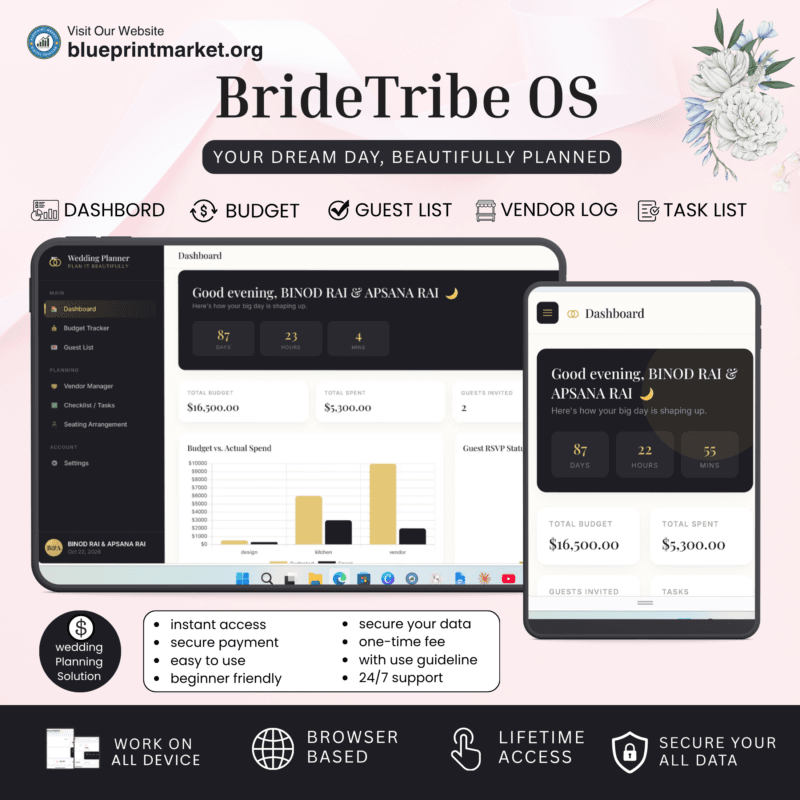
- BrideTribe OS: All-in-One Wedding Planner Tool and Organizer
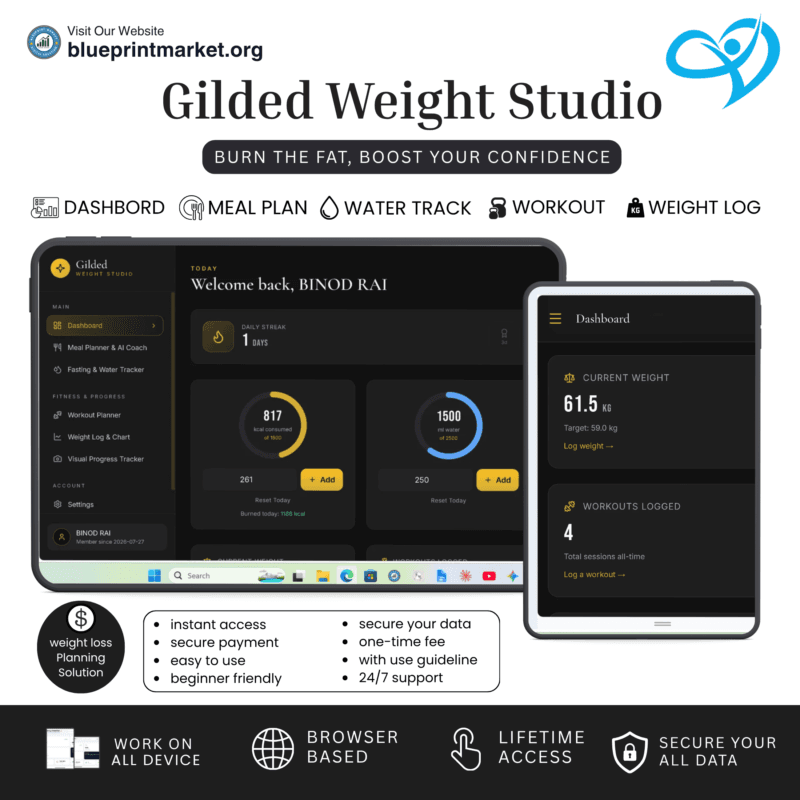
- Gilded: Digital Weight Loss Planner Tool & Fitness Tracker
✔ Verified Internal Resource




Reviews
There are no reviews yet.