





Description
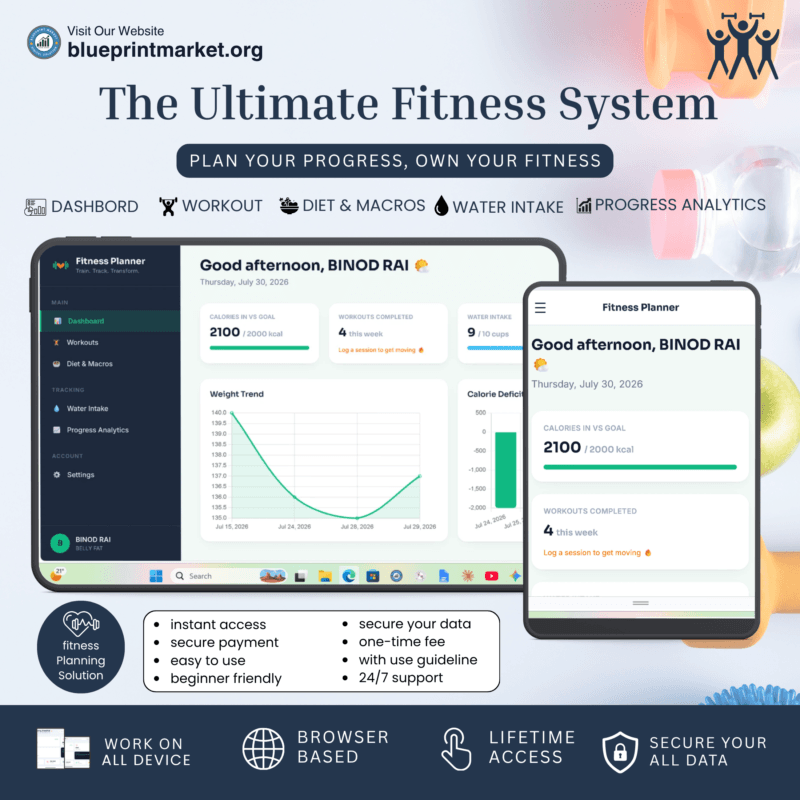
Transform Your Fitness Journey with the Ultimate Digital Weight Loss Planner
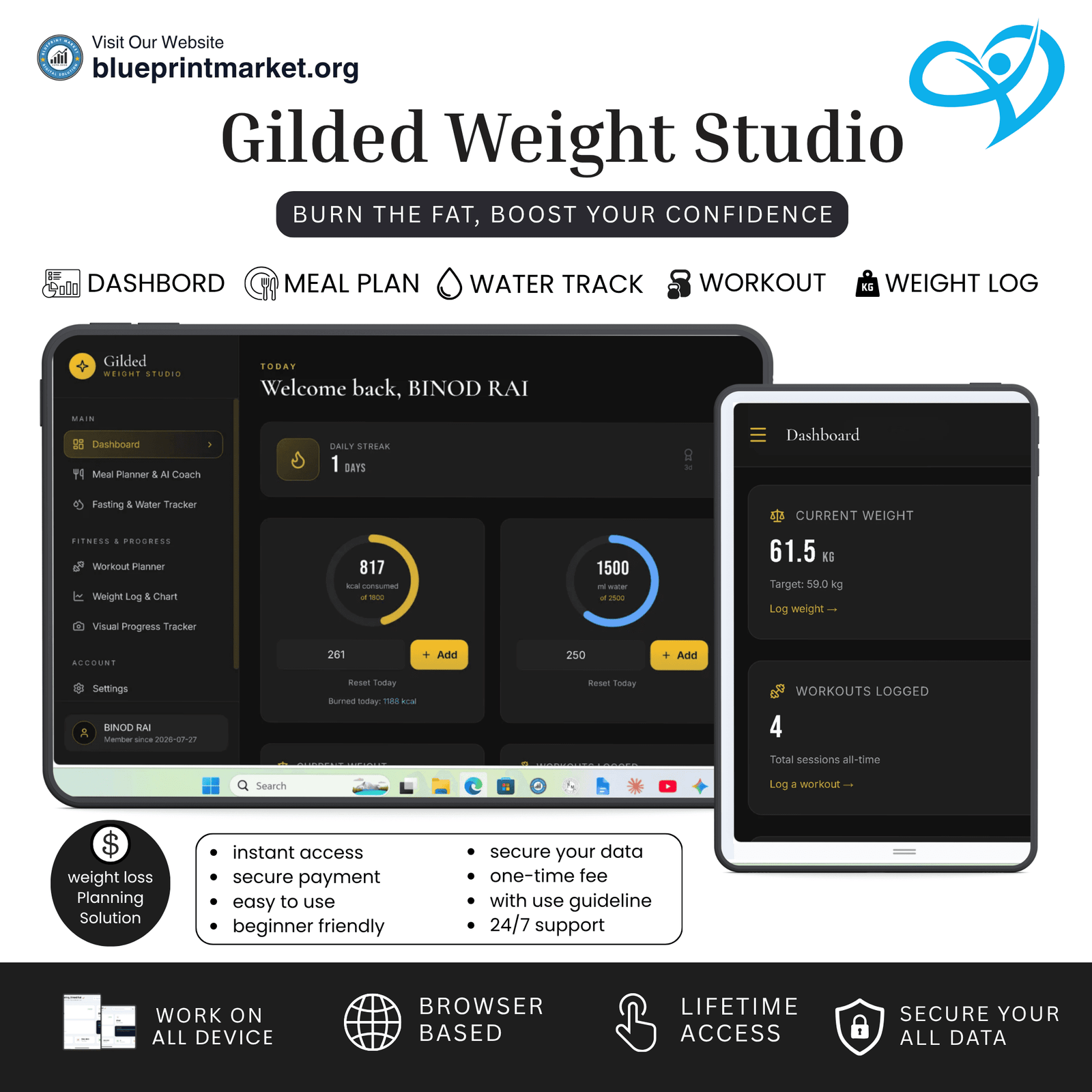
Are you looking for an effortless, privacy-focused, and all-in-one tool to track your health goals? Meet the Digital Weight Loss Planner a premium, fully responsive web application engineered to streamline your weight loss journey, fitness tracking, and daily nutrition planning without the hassle of downloading apps or signing up for subscriptions.
Built using modern web technologies, this lightweight web tool runs entirely inside your internet browser. Because it operates with zero backend dependencies, 100% of your personal data stays safe and secure on your device’s Local Storage.
Track your progress on paper! Grab your printable weight loss tracker and start transforming today.
Key Features of the Weight Loss Planner
1. Interactive Calorie & Water Intake Tracker
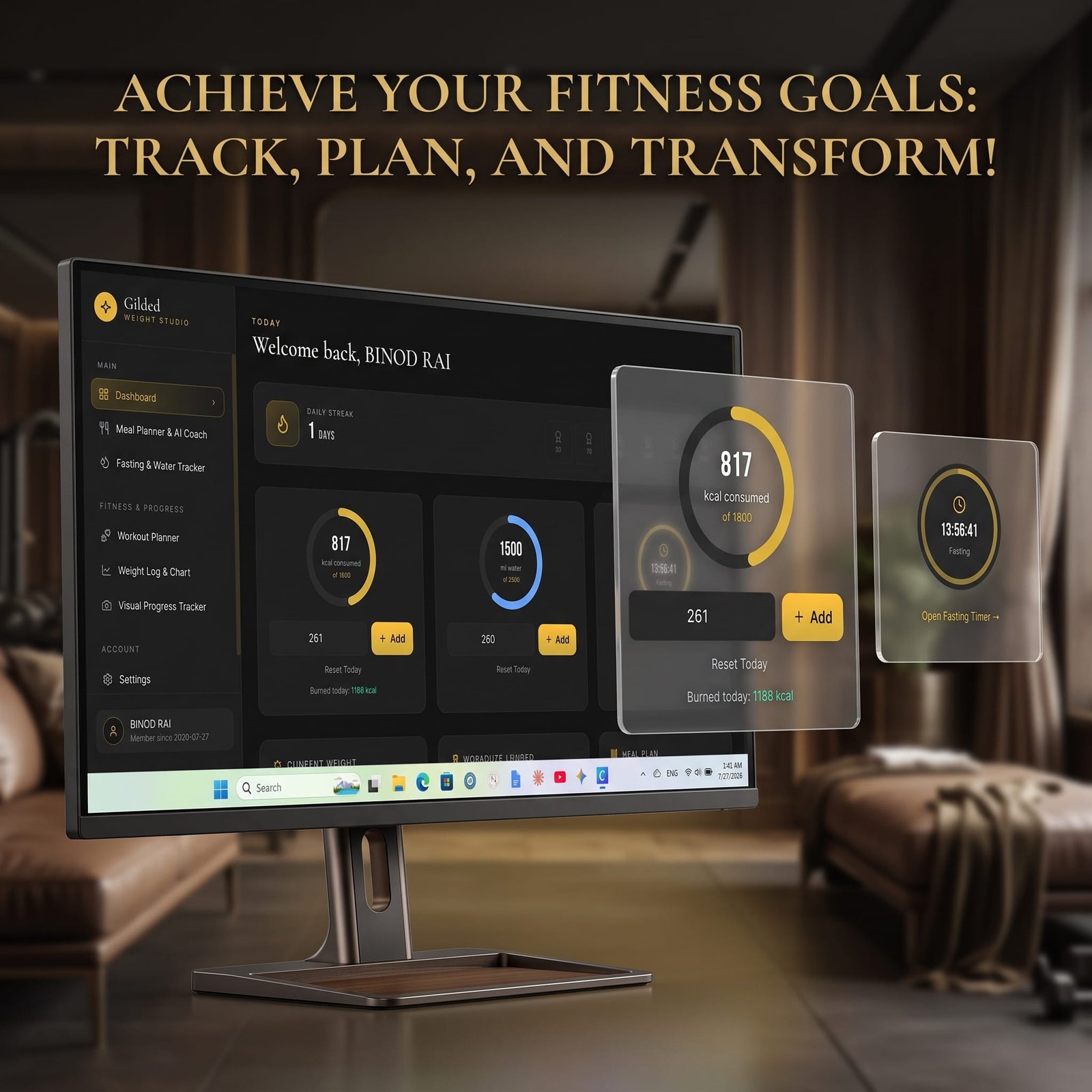
Achieving a sustainable caloric deficit is key to losing weight. Our Weight Loss Planner features visual progress rings for calorie intake and daily hydration goals. Quickly add water consumption (in ml) or record daily meals with just a single click.
2. Intermittent Fasting Timer
Master your fasting routine with built-in timing protocols, including 16:8 Classic, 14:10 Gentle, 18:6 Advanced, and 20:4 Warrior plans. The interactive countdown clock keeps you motivated during fasting windows and eating periods.
3. Smart AI Meal Planner & Diet Generator
Tailor your daily eating habits easily! Generate personalized 7-day meal plans based on your specific weight goals (weight loss, muscle gain, maintenance), body type (Ectomorph, Mesomorph, Endomorph), and dietary preferences (Normal, Vegetarian, Vegan, Keto).
4. Daily Workout & Exercise Logger
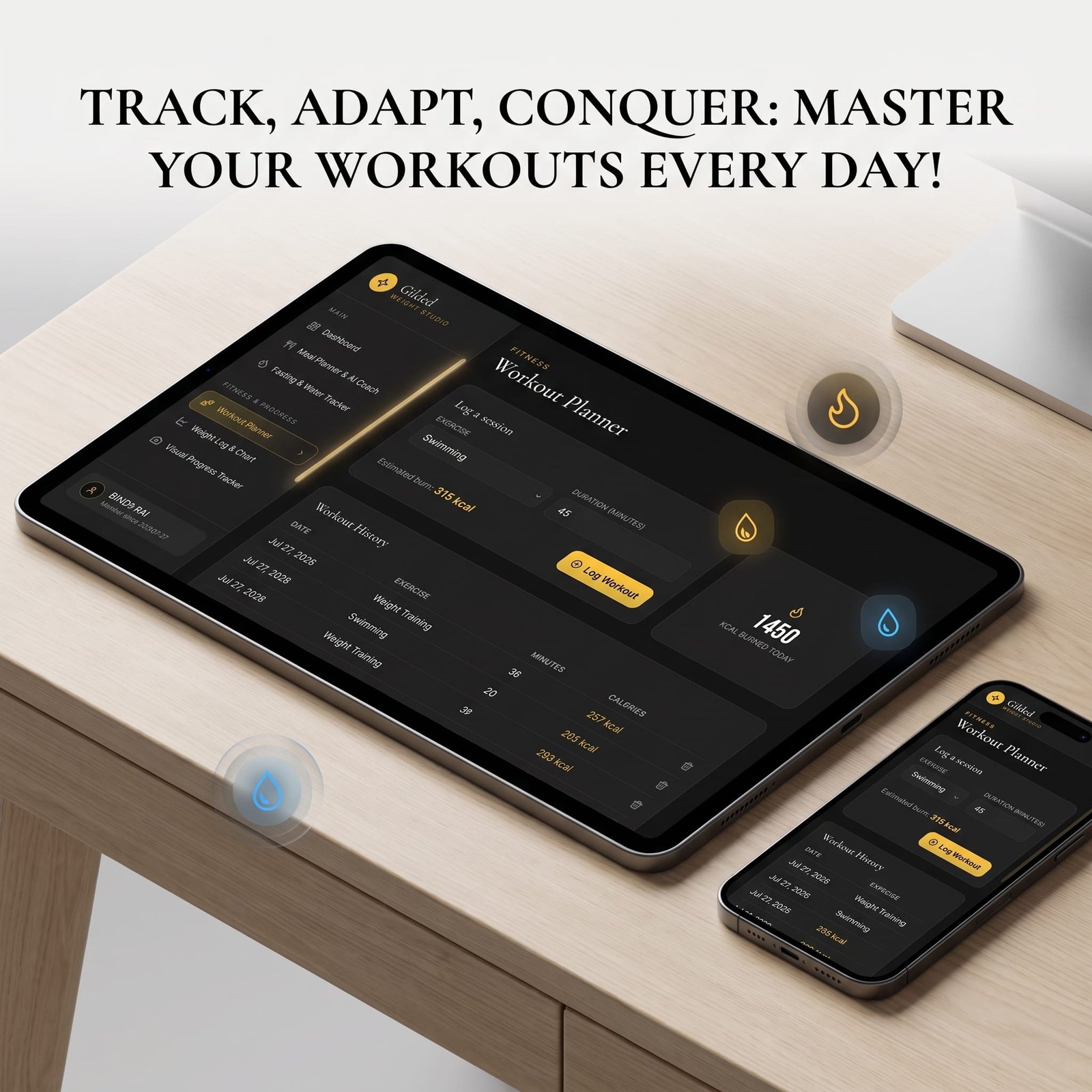
Calculate calories burned effortlessly across multiple exercises including Cardio, HIIT circuits, Weight Training, Yoga, and Swimming. The planner automatically adjusts your daily energy burn to keep your stats accurate.
5. Weight Trend Chart & PDF Export
Visualize your progress with interactive SVG charts. Log your daily weigh-ins in Metric (kg) or Imperial (lbs.) units, track your body measurements (Chest, Waist, Arms), and download complete PDF Progress Reports for your personal records or healthcare trainer.
6. Photo Progress Tracker & Local Storage Safety
Upload progress photos safely to visually compare your transformation over time. Photos are resized locally and saved directly in your browser ensuring complete digital privacy with zero external server uploads.
Want to burn fat without cutting out your favorite carbs? Pair this planner with our popular Carb Cycling Weight Loss e-book! 🥑
Why Choose Our Digital Web Tool?
No Subscriptions or Hidden Fees: Pay once and enjoy lifetime access.
Instant Browser Access: Works seamlessly on mobile phones, tablets, and desktop computers.
100% Private & Offline Friendly: Uses Local Storage to keep your sensitive personal data completely private.
Data Backup & Restore: Easily export your entire history as a. JSON backup file and import it anytime.
Take control of your health, build daily consistency with interactive streak badges, and reach your target weight faster. Get instant access to the Digital Weight Loss Planner today and start your transformation!
[you can see how to use guidelines]
License Terms:
1.STANDARD LICENSE (Personal Use Only)
Who can use this?
Individuals purchasing for their own personal organization and planning.
Allowed (What you CAN do):
- Use this planner for your own personal daily planning, organization, and life management.
- Download and install on your personal devices (Tablet, iPad, Phone, PC).
- Print unlimited copies for your personal use only.
Not Allowed (What you CANNOT do):
❌ Share, send, or email the original files or links to friends, family, or anyone else.
❌ Use this planner for any commercial, business, or client-related projects.
❌ Resell, sub-license, redistribute, or give away the original or edited files for free or paid.
2.COMMERCIAL LICENSE (Business & Client Projects)
Who can use this?
Freelancers, small business owners, agencies, and content creators.
Allowed (What you CAN do):
- Use this product for your business operations and internal workflow.
- Use this product to create completed end-projects for up to 50 Clients / Projects.
- Modify, customize, and brand the planner to fit your client’s needs.
Not Allowed (What you CANNOT do):
❌ Resell, share, or redistribute the planner files in their original editable format.
❌ Sell this product as a standalone planner on digital platforms (Etsy, website, marketplaces).
❌ Claim original ownership or copyright of the source files.
3. EXTENDED LICENSE (Unlimited Commercial & Resell Usage)
Who can use this?
Agencies, large businesses, and digital product sellers looking for maximum freedom.
Allowed (What you CAN do):
- Use this planner for unlimited personal, business, and client projects.
- Customize, re-brand, edit, and combine this product with other elements.
- Sell the modified final product (End Product) to end-users on your website or online store.
Not Allowed (What you CANNOT do):
❌ Resell or distribute the source files as-is without making significant additions or modifications.
❌ Trademark or copyright the original design elements provided in this pack.
Frequently ask Question
What is the Digital Weight Loss Planner and how does it work?
Is this digital weight loss planner a PDF file or an interactive web app?
Can I access the weight loss planner on smartphones, tablets, and computers?
Do I need to install any software or mobile app to use this planner?
How does this planner help with long-term weight loss management?
How will I receive the Digital Weight Loss Planner after purchasing on Blueprint Market?
📌 Important Guide: Data Safety & Cross-Device Syncing
Our web planners use your browser’s Local Storage to keep your daily entries fast, responsive, and completely private without requiring any accounts or passwords.
⚠️ Key Points to Remember:
No Auto-Sync: Data saved on your mobile browser will not automatically sync to your computer/laptop.
Cache Clearance Alert: Clearing browser history, cookies, or site cache will permanently erase your saved progress. Always export/download a backup of your data BEFORE clearing your browser cache or history!
Incognito Mode: Avoid using private/incognito windows if you want to store progress long-term.
📱 How to Transfer Data from Mobile to Computer (or vice versa):
Export: Open the planner on your phone, click “Export Data” (or Backup) to download you. Json backup file.
Transfer: Send this downloaded file to your computer via Email, WhatsApp, or Google Drive.
Import: Open the planner on your desktop browser, click “Import Data”, choose the file, and your entries will restore instantly!
💡 Tip: Make it a habit to export regular backups using the built-in feature to keep your progress safe at all times!
Related Products:
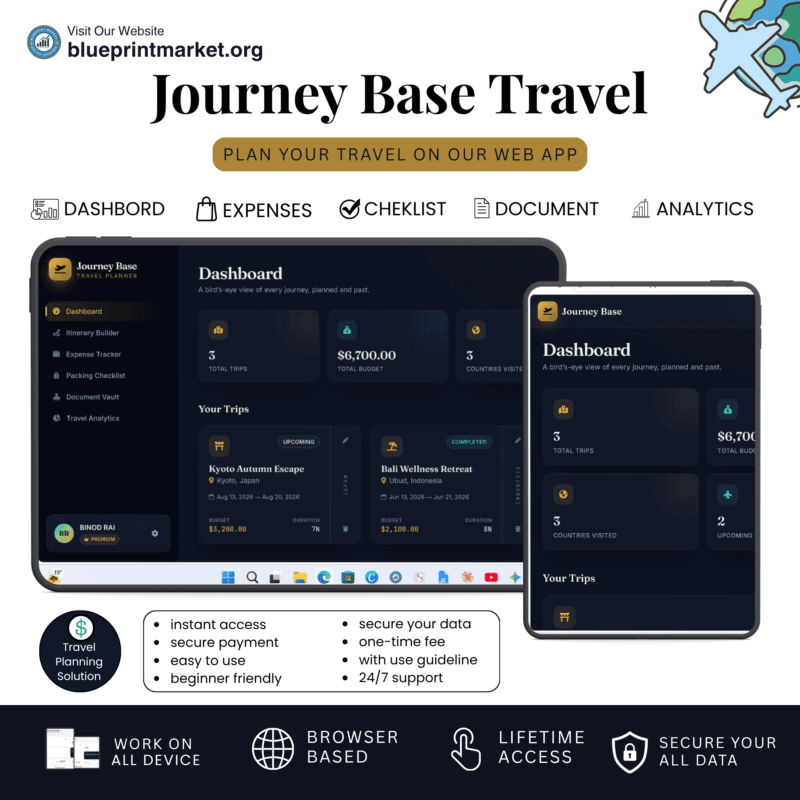
- Journey Base: Ultimate Travel Planner Single Page Mini Web App
- BrideTribe OS: All-in-One Wedding Planner Tool and Organizer
- Scholer OS: The Ultimate Student Planner Web App Tool
✔ Verified Internal Resource




Reviews
There are no reviews yet.