



Description
Digital Product License Certificate Generator
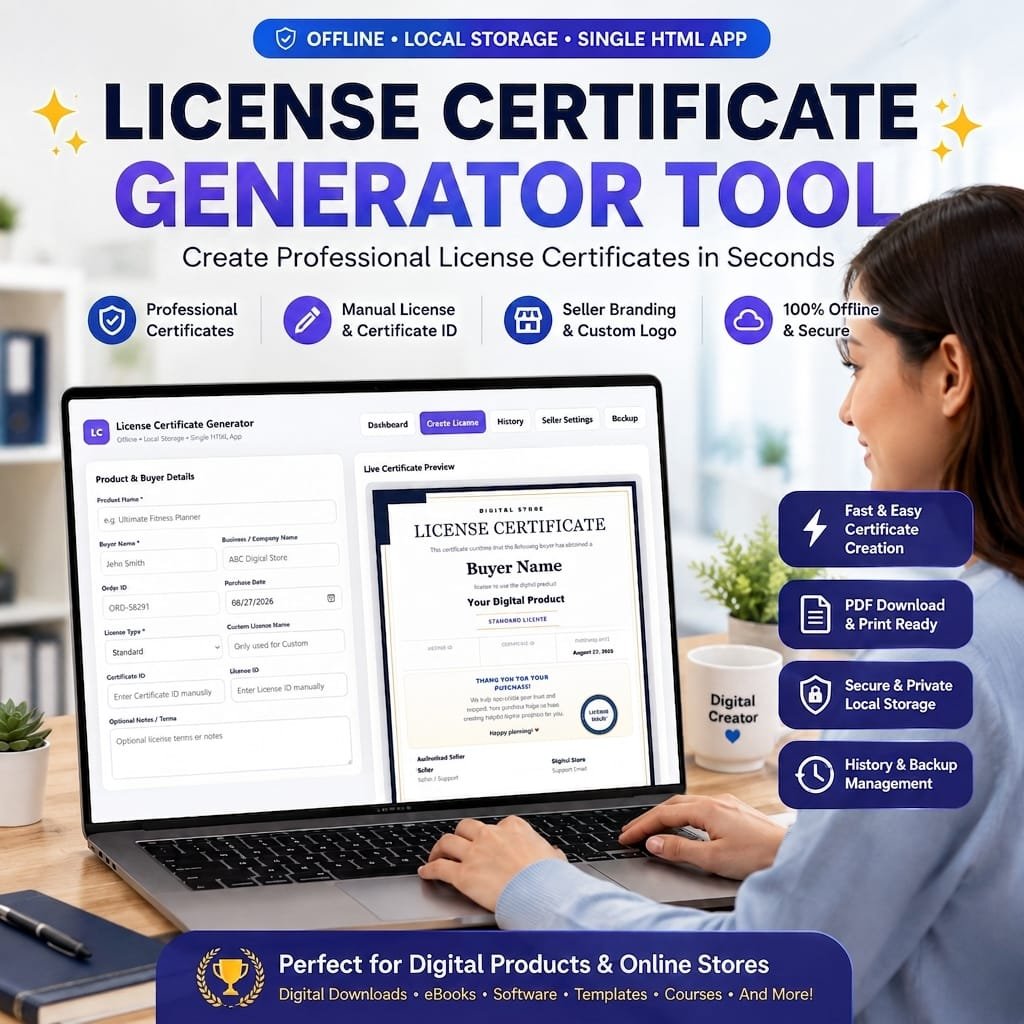
Digital Product License Certificate Generator Tool is the ultimate solution for digital product sellers, creators, and online store owners who want to protect their assets and provide official proof of purchase to their customers. Built as a fast, lightweight, and fully browser-based single HTML application.
This Digital Product License Certificate Generator Tool allows you to instantly create, customize, and issue professional license certificates without relying on complex software or external servers.
Create Professional Digital Product Licenses
- Create polished digital product license certificates quickly and easily.
- Designed for sellers of eBooks, planners, templates, printables, graphics, courses, and other digital products.
- Keep important buyer, product, order, and licensing information together in one professional certificate.
- Use the tool directly from your browser without needing a complicated setup.
Simple Dashboard for License Management
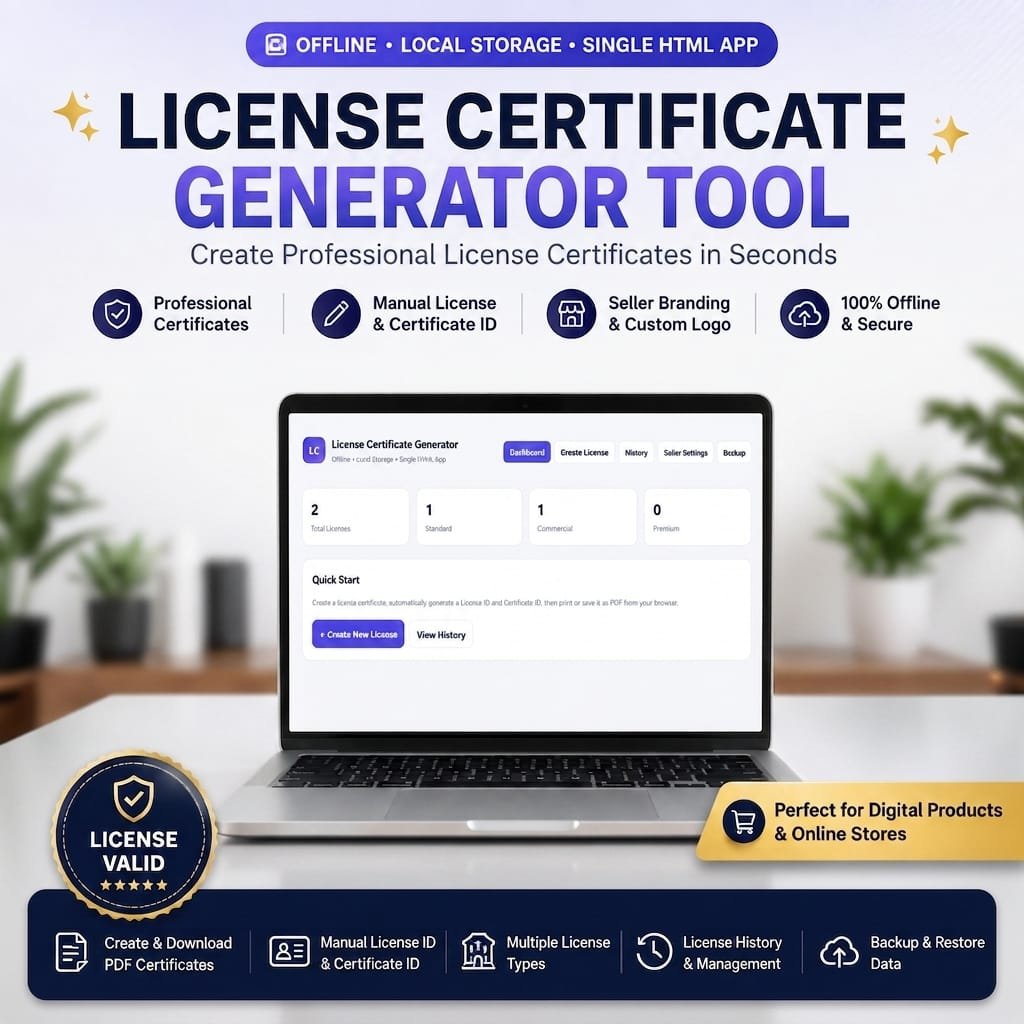
- Get an instant overview of your issued licenses from the Dashboard.
- View the Total Licenses created in your browser.
- See separate license counts for:
- Standard licenses
- Commercial licenses
- Premium licenses
- Quickly access Create New License or License History from the dashboard.
- Keep your license-generation workflow organized from one central place.
Add Complete Product & Buyer Details
- Enter the Product Name for the licensed digital product.
- Add the Buyer Name to identify the customer receiving the license.
- Include the customer’s Business / Company Name when applicable.
- Add an Order ID to connect the certificate with the original purchase.
- Select or enter the Purchase Date.
- Add optional notes, terms, or additional licensing information.
- Keep essential purchase information clearly displayed on the certificate.
Multiple License Types
- Choose from several built-in license options:
- Standard
- Commercial
- Extended Commercial
- Premium
- Custom
- Use the Custom option when you need your own license name.
- Clearly display the selected license type on the generated certificate.
- Make your certificates suitable for different types of digital-product licensing needs.
License ID & Certificate ID
- Add a unique License ID to your certificate.
- Add a separate Certificate ID for certificate identification.
- Display both IDs prominently within the certificate.
- Use these identifiers to make individual certificates easier to recognize and manage.
- The tool’s internal counter system also supports sequential ID generation when IDs are generated by the application workflow.
Live Certificate Preview
- See your certificate while entering or editing information.
- Review buyer and product details before printing.
- Preview the selected license type instantly.
- View License ID, Certificate ID, Purchase Date, Business Name, Order ID, and notes within the certificate design.
- Reduce mistakes by checking the finished certificate before saving or printing.
Need a beautiful certificate design to go with your digital licenses?
👉 Explore our Editable Certificate Template Bundle: customize professional certificate designs in Canva and create polished certificates for awards, achievements, courses, events, and more. Click here & View the Certificate Template Bundle
Premium-Looking Certificate Design
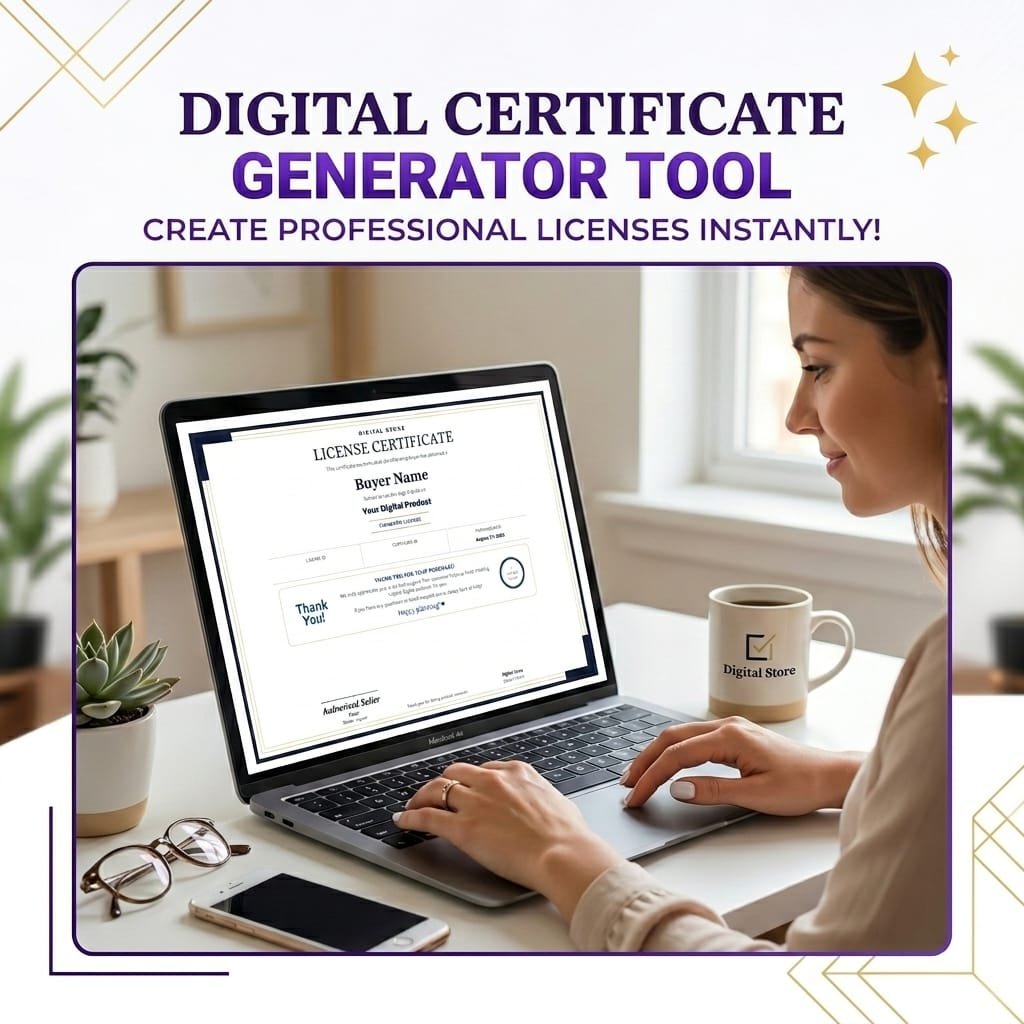
- Present your digital product license in a polished certificate layout.
- Includes a structured certificate design with:
- Store branding
- Certificate title
- Buyer name
- Digital product name
- License type
- License ID
- Certificate ID
- Purchase date
- Business information
- Order ID
- Seller details
- Support information
- Footer text
- Includes decorative borders, certificate styling, seller authorization area, and a license-valid seal for a more professional presentation.
Customize Your Seller Branding
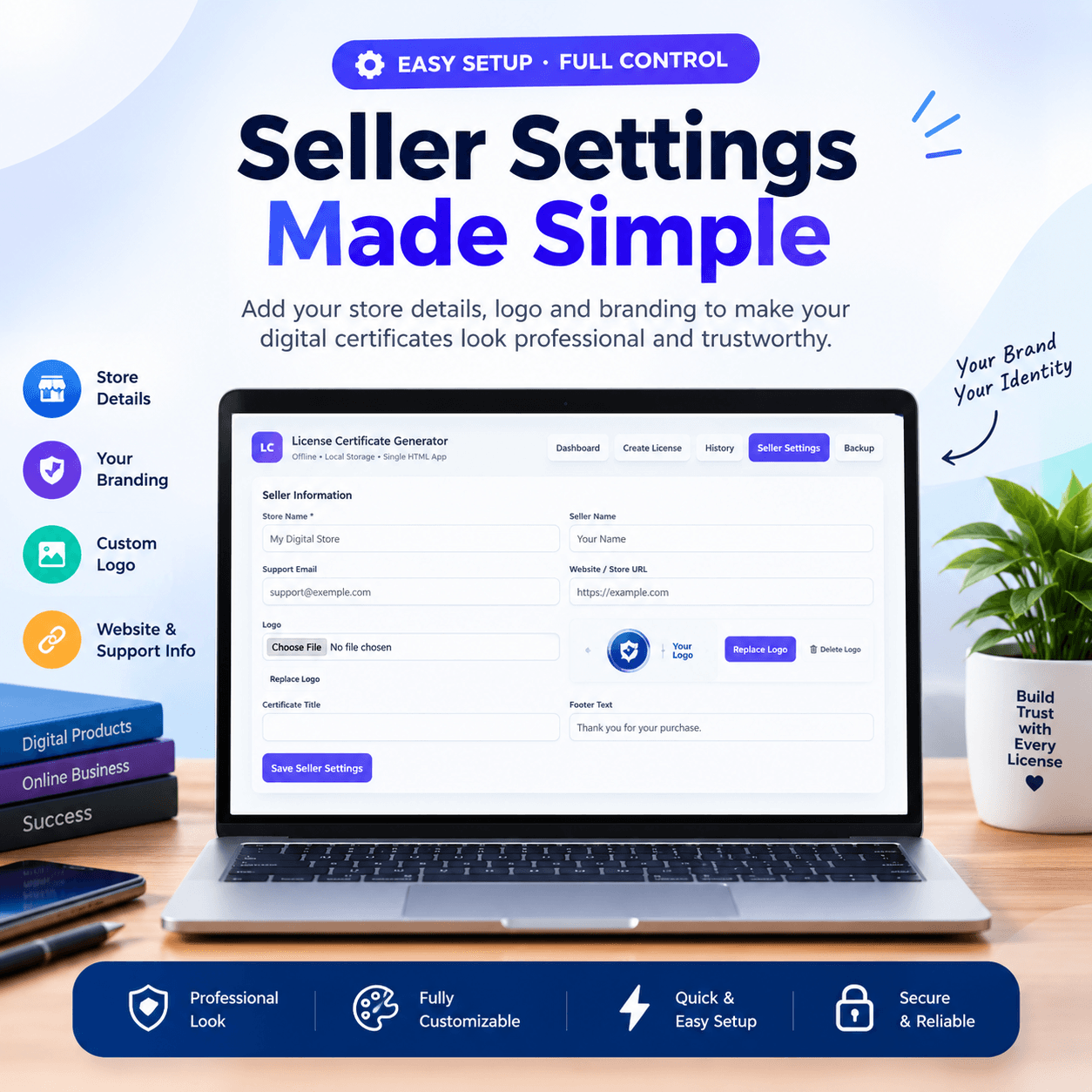
- Add your Store Name to the certificate.
- Add your Seller Name.
- Add your Support Email.
- Add your Website / Store URL.
- Upload your own Store Logo.
- Replace your existing logo whenever needed.
- Customize the Certificate Title.
- Add your own Footer Text.
- Create certificates that better match your digital-product store branding.
License History & Search
- Automatically keep saved licenses in your local license history.
- Search existing licenses using:
- Buyer information
- Product information
- License ID
- Certificate ID
- Other saved license details
- Edit previously created licenses.
- View an existing license.
- Delete licenses you no longer need.
- Keep your issued digital product licenses organized and accessible.
Print or Save as PDF
- Use the built-in Print / Save PDF option.
- Open your browser’s print dialog directly from the tool.
- Print a physical copy when needed.
- Save the completed license certificate as a PDF through the browser’s print function.
- Preview the certificate before generating your final printable document.
Backup & Restore Your Data
- Export your saved licenses and seller settings as a JSON backup file.
- Import your backup whenever you need to restore your saved data.
- Keep a separate backup of your license records.
- Move your saved license data to another browser or device by exporting and importing the backup file.
- Delete all locally stored licenses, settings, and counters when required.
Browser-Based & Local Storage
- Built as a single HTML application.
- Uses browser Local Storage to save license information.
- No traditional online database is required for the local license records.
- The application interface identifies itself as Offline • Local Storage • Single HTML App.
- Useful for sellers who prefer a lightweight certificate-generation workflow.
Easy License Workflow
- 1. Enter Product Details → Add product and buyer information.
- 2. Select License Type → Choose Standard, Commercial, Extended Commercial, Premium, or Custom.
- 3. Add License Information → Enter License ID, Certificate ID, order details, and optional terms.
- 4. Customize Branding → Add your store name, logo, seller details, and website.
- 5. Preview → Check the live certificate before finalizing.
- 6. Save → Store the license in your local license history.
- 7. Print or Save PDF → Create a printable or PDF version of the certificate.
Ideal for Digital Product Sellers
- Perfect for creators selling digital downloads.
- Useful for eBook sellers.
- Suitable for printable and planner shops.
- Helpful for template creators.
- Useful for graphic and design product sellers.
- Suitable for digital courses and other downloadable products.
- A practical solution for sellers who want to provide customers with a professional-looking license certificate.
Why Choose This Digital Product License Generator?
- ✔ Professional digital product license certificate design
- ✔ Multiple license types
- ✔ Buyer and product information fields
- ✔ License ID and Certificate ID support
- ✔ Live certificate preview
- ✔ Seller branding and logo customization
- ✔ License history and search
- ✔ Edit, view, and delete saved licenses
- ✔ Print and browser-based PDF saving
- ✔ JSON backup and restore
- ✔ Local Storage data management
- ✔ Single HTML application
- ✔ Simple and lightweight workflow
✦ Want to Learn How to Use the Tool?
👉 Download the Digital Product License Certificate Generator User Guide PDF and follow the step-by-step instructions to get started quickly.
Create Your Digital Product License Certificate Today
Give your digital-product customers a more professional purchasing experience with a dedicated Digital Product License Certificate Generator. Create branded certificates, manage your license records, customize seller information, preview certificates in real time, and print or save completed certificates as PDF all through one simple HTML-based tool.
License Terms:
1.STANDARD LICENSE (Personal Use Only)
Who can use this?
Individuals purchasing for their own personal organization and planning.
Allowed (What you CAN do):
- Use this planner for your own personal daily planning, organization, and life management.
- Download and install on your personal devices (Tablet, iPad, Phone, PC).
- Print unlimited copies for your personal use only.
Not Allowed (What you CANNOT do):
❌ Send, Share or email the original files or links to friends, family, or anyone else.
❌ This planner uses for any commercial, business, or client-related projects.
❌ Resell, sub-license, redistribute, or give away the original or edited files for free or paid.
2.COMMERCIAL LICENSE (Business & Client Projects)
Who can use this?
Freelancers, small business owners, agencies, and content creators.
Allowed (What you CAN do):
- Use this product for your business operations and internal workflow.
- Use this product to create completed end-projects for up to 50 Clients / Projects.
- Modify, customize, and brand the planner to fit your client’s needs.
Not Allowed (What you CANNOT do):
❌ Share, Resell or redistribute the planner files in their original editable format.
❌ Sell this product as a standalone planner on digital platforms (Etsy, website, market places).
❌ Claim original ownership or copyright of the source files.
- EXTENDED LICENSE (Unlimited Commercial & Resell Usage)
Who can use this?
Agencies, large businesses, and digital product sellers looking for maximum freedom.
Allowed (What you CAN do):
- Use this planner for unlimited personal, business, and client projects.
- Customize, re-brand, edit, and combine this product with other elements.
- Sell the modified final product (End Product) to end-users on your website or online store.
Not Allowed (What you CANNOT do):
❌ Resell or distribute the source files as-is without making significant additions or modifications.
❌ Trademark or copyright the original design elements provided in this pack.
Frequently Asked Questions
What is the Digital Product License Certificate Generator Tool, and who is it for?
How does the generator store my issued certificates, and do I need a database?
Can I customize the certificates with my own branding and terms?
How can I deliver the generated license certificates to my buyers?
Can I manage different types of licensing tiers for my digital products?
What happens if I clear my browser history or switch to another computer?
📌 Important Guide: Data Safety & Cross-Device Syncing
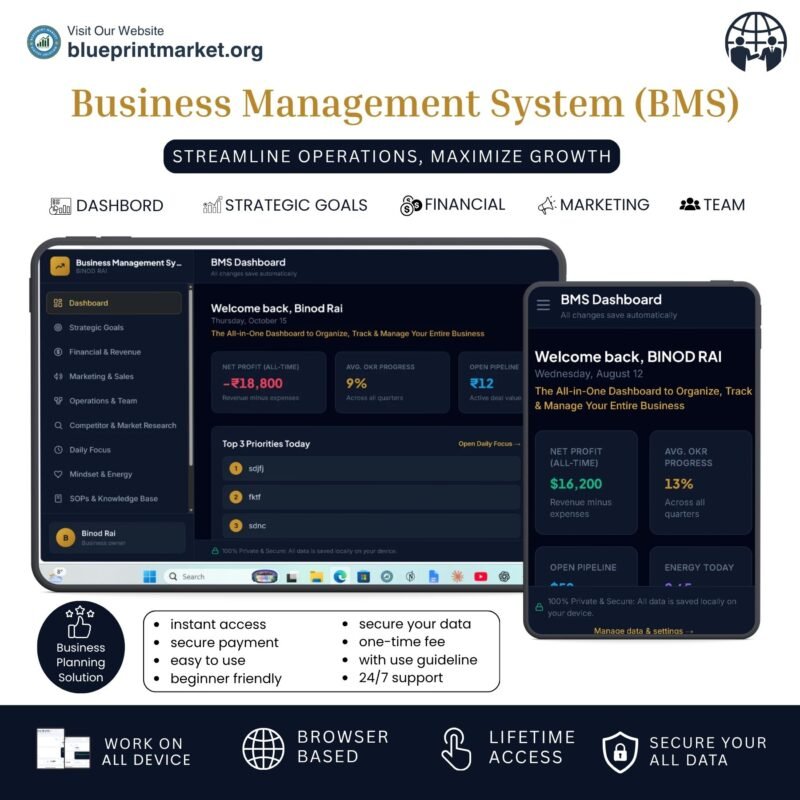
Our web planners use your browser’s Local Storage to keep your daily entries fast, responsive, and completely private without requiring any accounts or passwords.
⚠️ Key Points to Remember:
- No Auto-Sync: Data saved on your mobile browser will not automatically sync to your computer/laptop.
- Cache Clearance Alert: Clearing browser history, cookies, or site cache will permanently erase your saved progress. Always export/download a backup of your data BEFORE clearing your browser cache or history!
- Incognito Mode: Avoid using private/incognito windows if you want to store progress long-term.
📱 How to Transfer Data from Mobile to Computer (or vice versa):
- Export: Open the planner on your phone, click “Export Data” (or Backup) to download you. Json backup file.
- Transfer: Send this downloaded file to your computer via Email, WhatsApp, or Google Drive.
- Import: Open the planner on your desktop browser, click “Import Data”, choose the file, and your entries will restore instantly!
💡 Tip: Make it a habit to export regular backups using the built-in feature to keep your progress safe at all times.



Reviews
There are no reviews yet.