
Description
EcomOS Pro — The Ecommerce Operating System for Growing Online Businesses
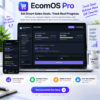
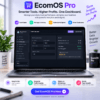
EcomOS Pro is an all-in-one Ecommerce Operating System designed to help store owners manage, analyze, and optimize their ecommerce operations from one centralized dashboard.
Running an online store is no longer just about generating sales. Modern ecommerce businesses need complete control over revenue, inventory, advertising performance, customer value, profitability, and daily operations.
Track sales, monitor inventory, measure advertising ROI, calculate real profits, understand customer value, and make smarter business decisions with powerful ecommerce management tools built for modern online businesses.
Your Complete Ecommerce Business Management Platform
EcomOS Pro brings your most important ecommerce metrics and operations together in one simple, powerful workspace.
Instead of managing scattered spreadsheets, multiple tools, and disconnected reports, get a complete view of your ecommerce business performance from a single ecommerce management dashboard.
Key Features
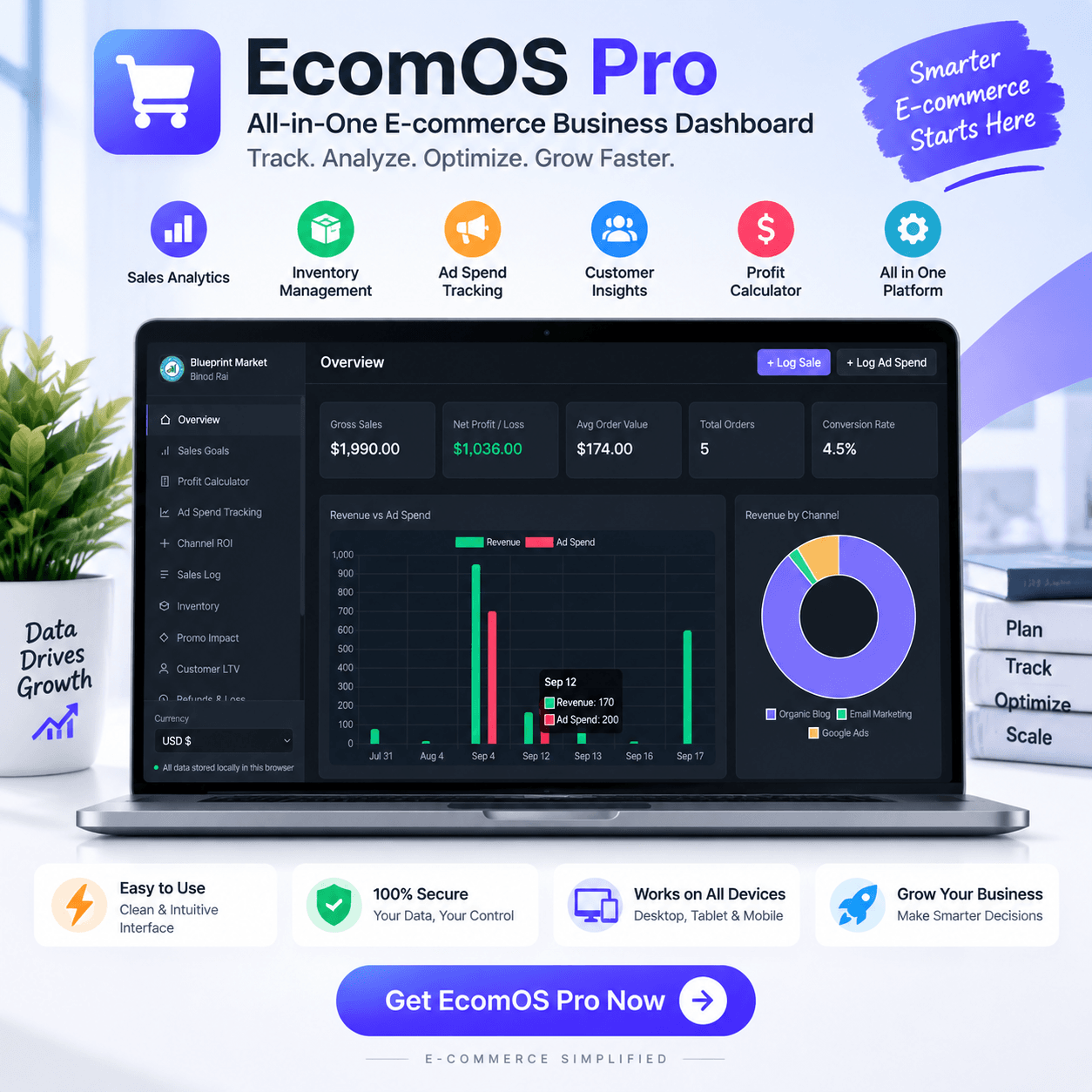
📊 Ecommerce Analytics Dashboard
Get a complete overview of your ecommerce performance with real-time business insights.
Monitor:
- Total revenue
- Net profit and loss
- Average order value
- Total orders
- Conversion performance
- Sales trends
Understand how your business is performing and identify opportunities for growth faster.
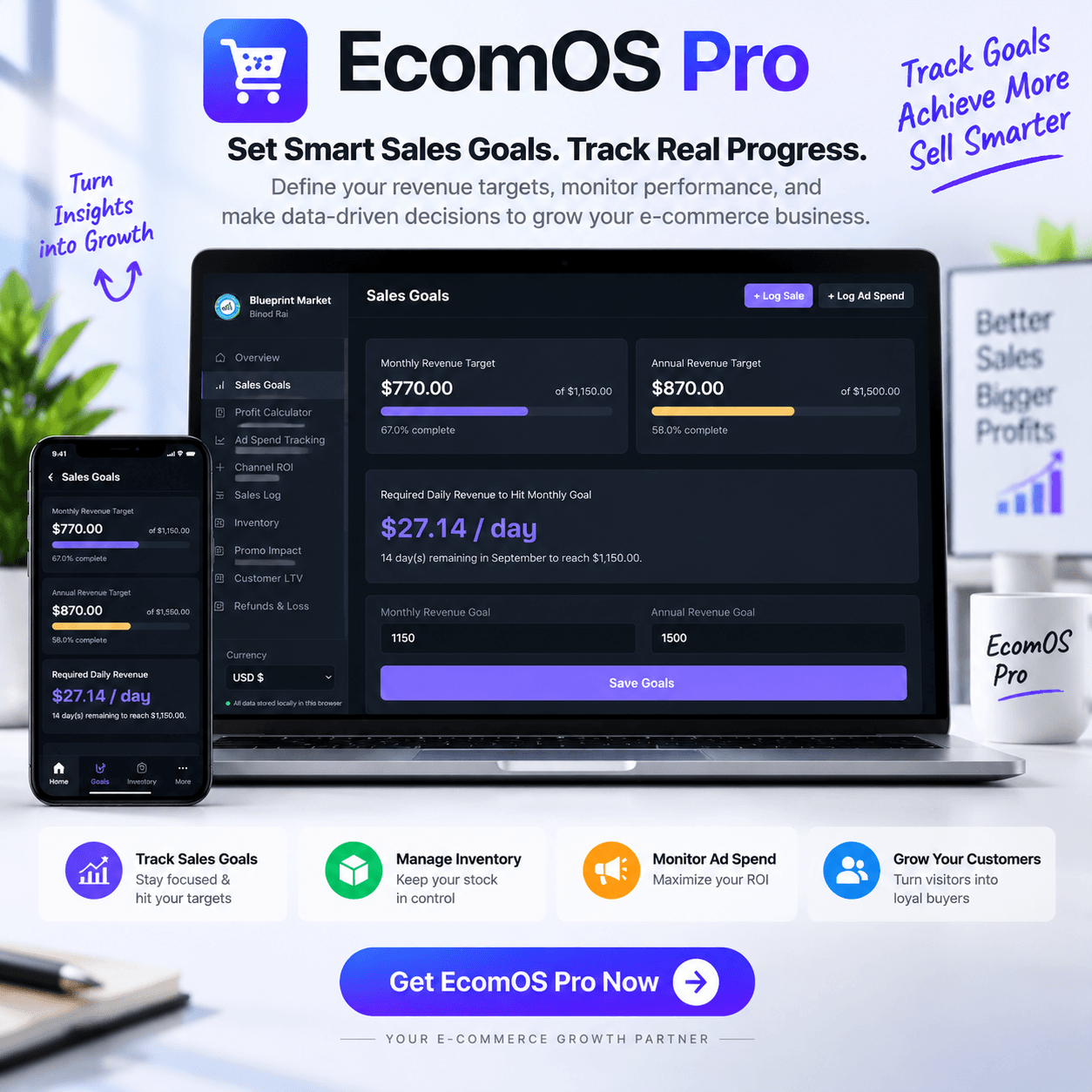
🎯 Sales Goals & Performance Tracking
Set monthly and yearly revenue targets and track your progress.
EcomOS Pro helps you:
- Create revenue goals
- Monitor sales progress
- Understand required daily revenue targets
- Measure business growth performance
Stay focused on measurable ecommerce growth instead of guessing.
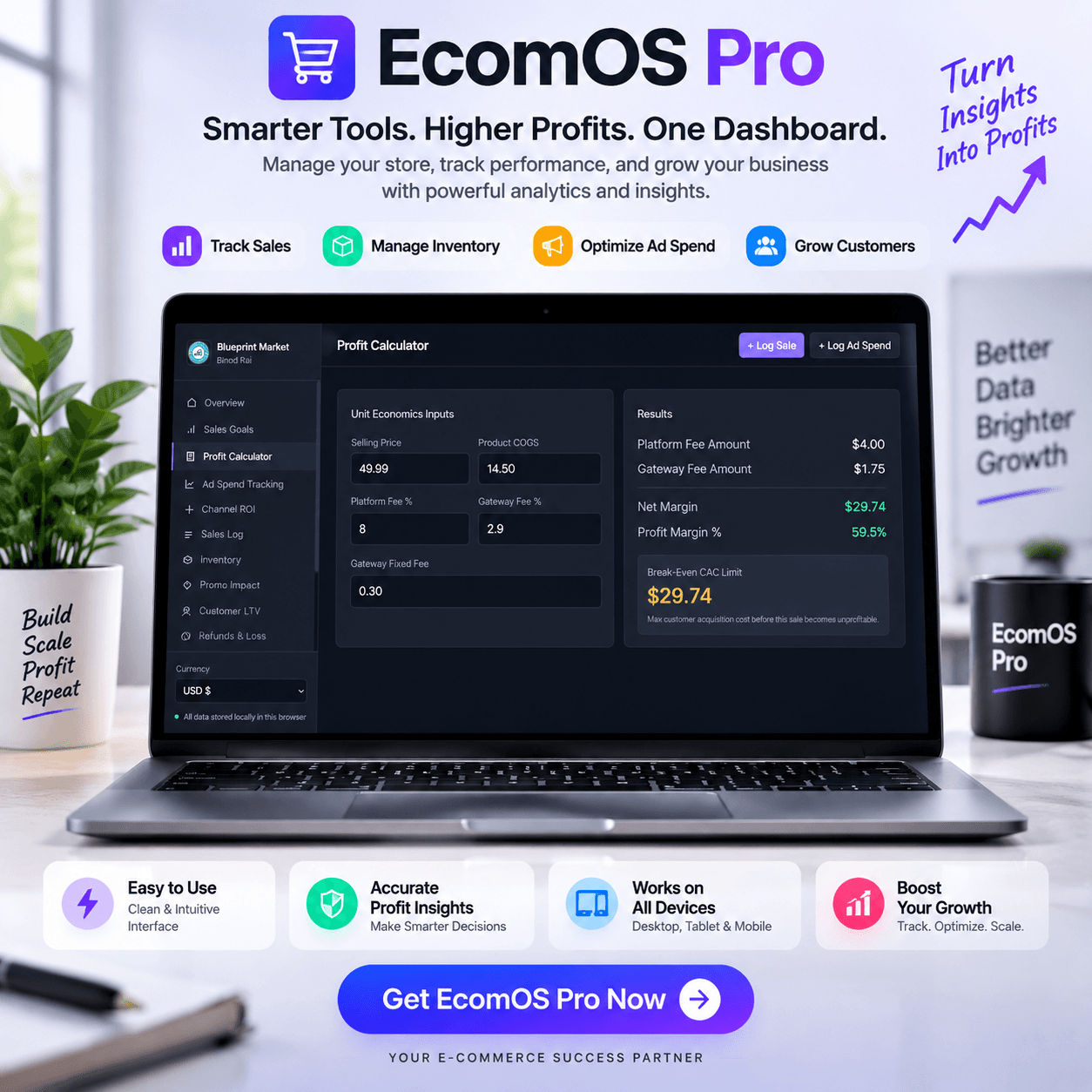
💰 Ecommerce Profit Calculator
Revenue does not always mean profit.
Our ecommerce profit calculator helps you understand your true margins by analyzing:
- Product cost
- Selling price
- Platform fees
- Payment gateway fees
- Net profit margin
- Break-even customer acquisition cost (CAC)
Know exactly how profitable every sale is before scaling your business.
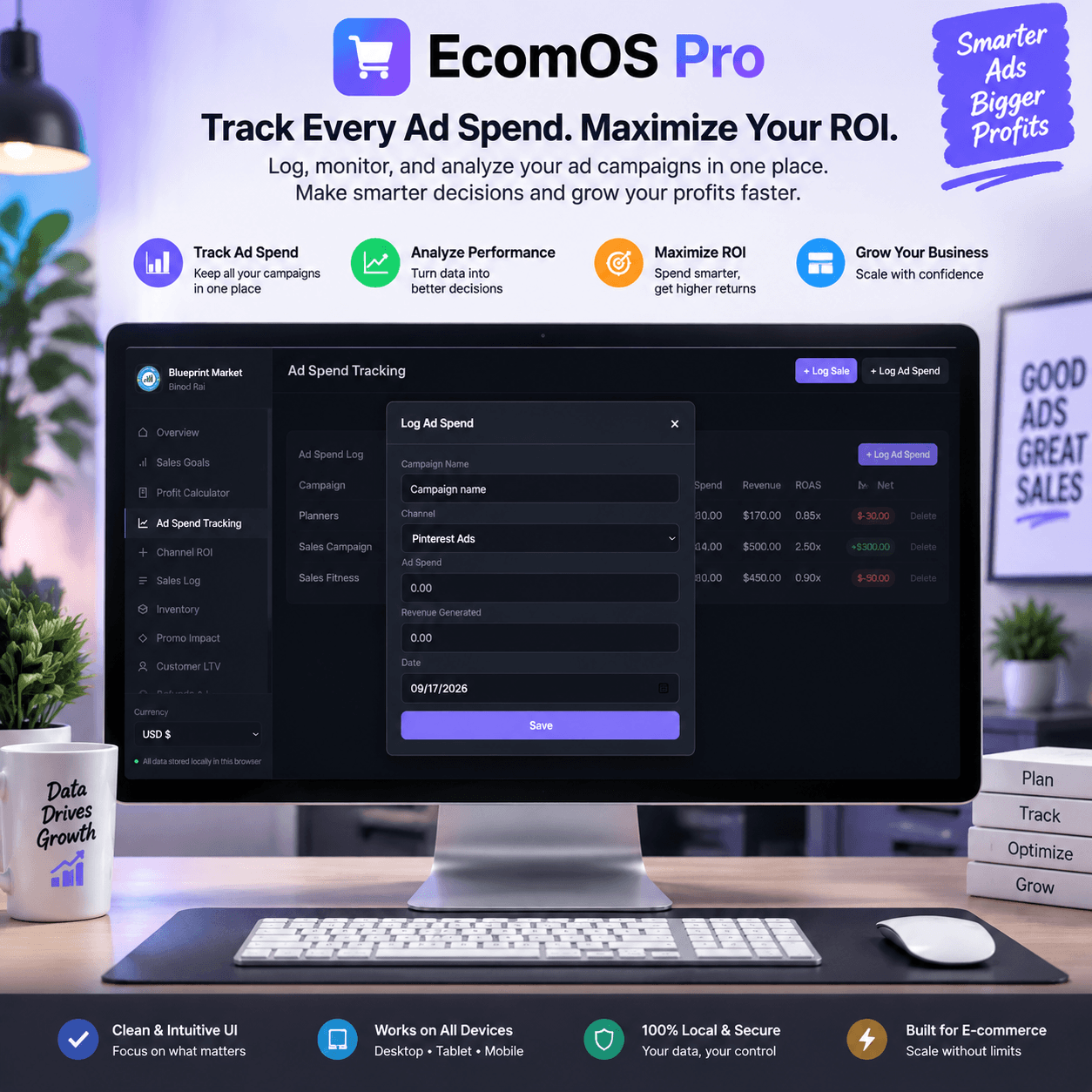
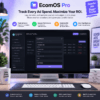
📢 Advertising Spend & ROI Tracking
Stop spending money without knowing the results.
Track your marketing performance across different channels:
- Advertising expenses
- Generated revenue
- ROAS (Return on Ad Spend)
- Campaign profitability
- Marketing efficiency
Understand which channels are driving real business growth.
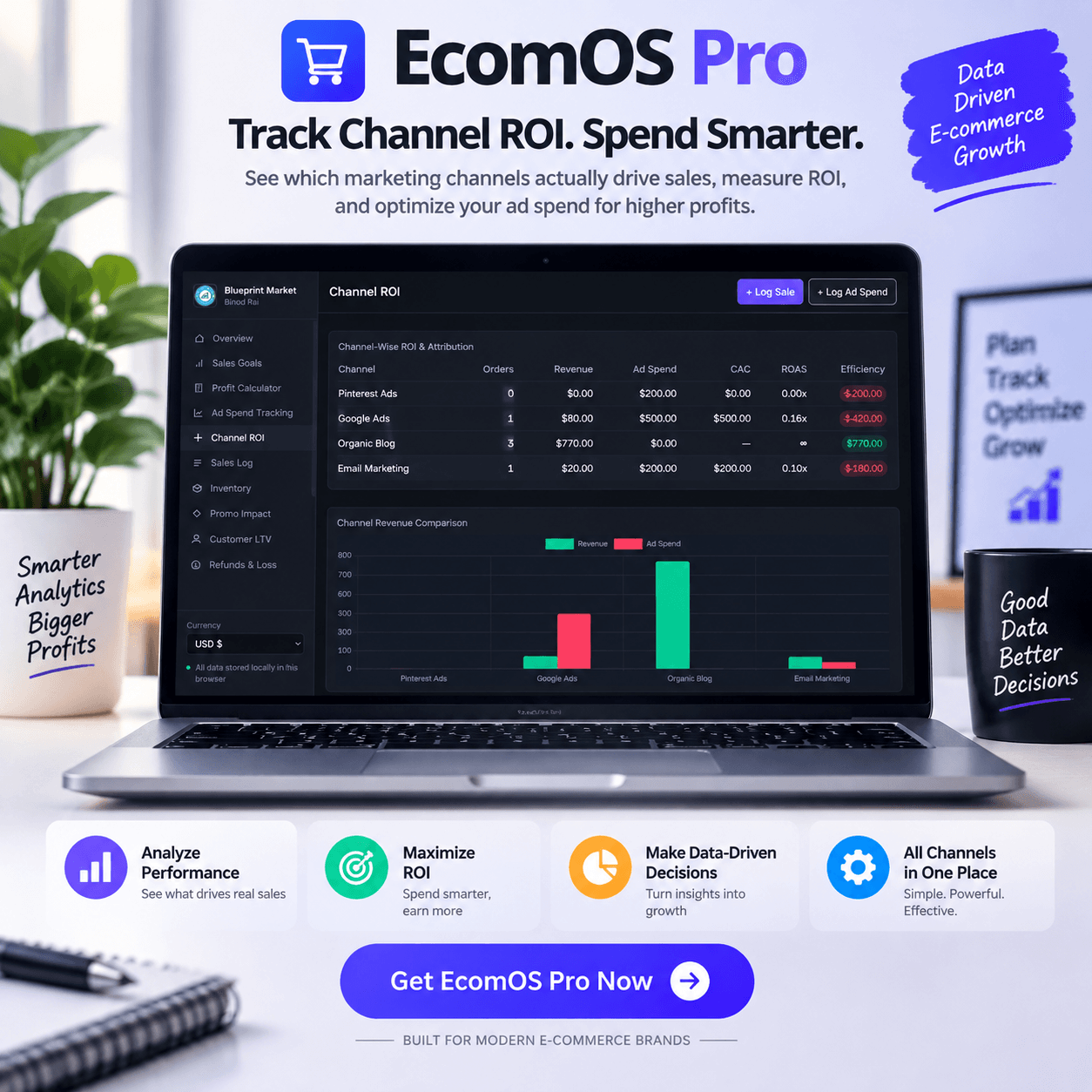
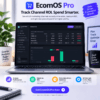
📈 Channel-Wise Ecommerce ROI Analytics
Compare your sales performance from different marketing sources.
Analyze:
- Google Ads
- Meta Ads
- Pinterest Ads
- Email Marketing
- Organic traffic
Measure revenue, spending, customer acquisition cost, and overall channel efficiency.
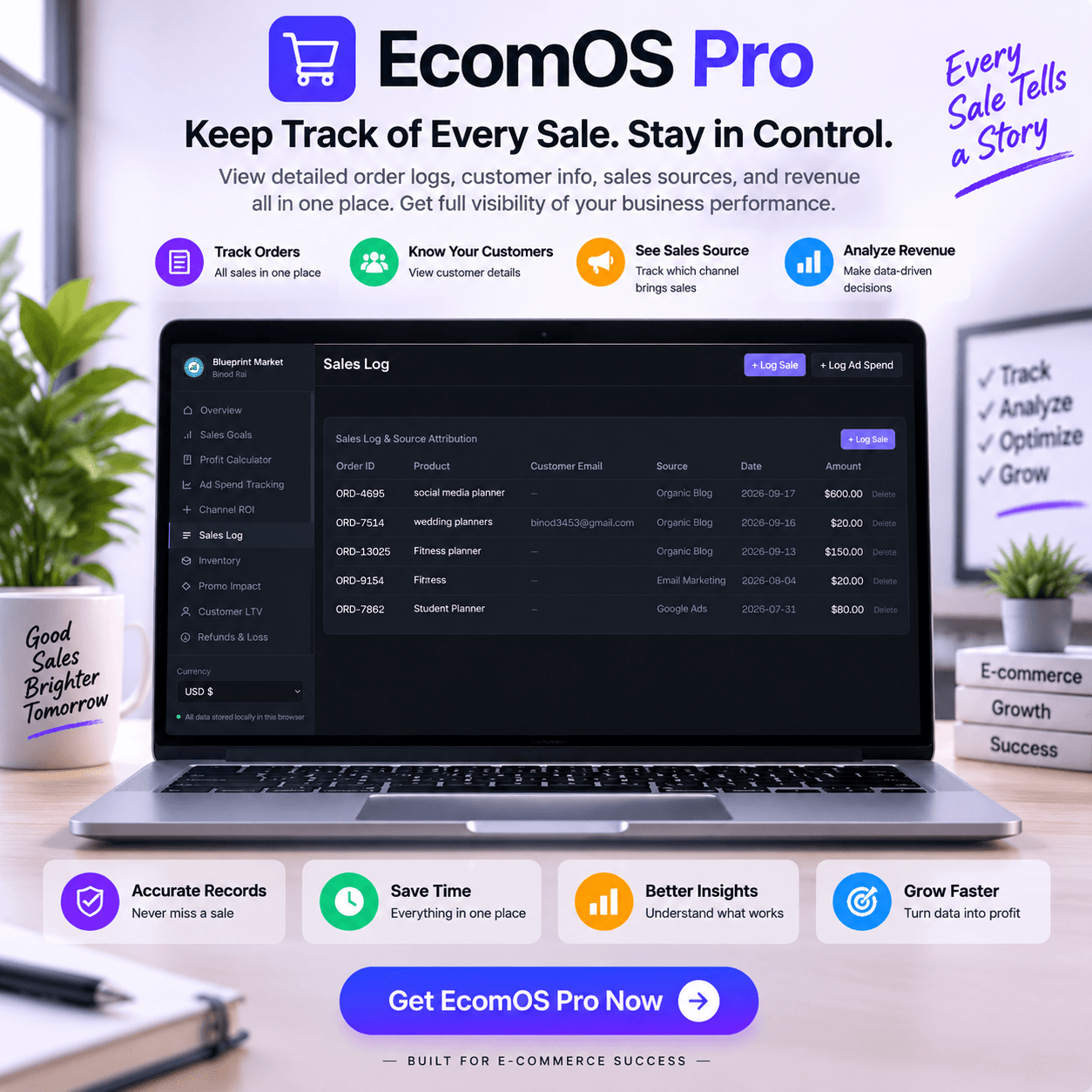
🛒 Sales Management System
Keep complete control over your ecommerce sales records.
Manage:
- Orders
- Products
- Customers
- Sales sources
- Revenue tracking
Build a clear picture of your sales performance and business history.
📦 Ecommerce Inventory Management Tool
Avoid stock problems with simple inventory tracking.
Manage:
- Product inventory
- Available stock
- Sold quantity
- Remaining inventory
- Low stock alerts
Know what products are selling and when you need to restock.
🎁 Promotion & Discount Performance Analyzer
Understand whether your discounts are helping or hurting your business.
Track:
- Discount campaigns
- Usage volume
- Revenue impact
- Discount costs
- Profit impact
Create smarter promotions based on actual business data.
👥 Customer Lifetime Value (LTV) Tracking
Your best customers are your biggest growth opportunity.
Analyze:
- Customer spending patterns
- Repeat purchases
- VIP customers
- Customer value over time
Understand customer behavior and improve retention strategies.
🔄 Refund & Loss Management
Track revenue losses and refund performance.
Manage:
- Refund records
- Refund reasons
- Lost revenue
- Payment gateway losses
Identify problems affecting profitability.
🔁 Subscription & Recurring Revenue Tracking
Monitor subscription-based ecommerce performance.
Track:
- Monthly recurring revenue (MRR)
- Active subscribers
- Customer churn rate
Understand predictable revenue growth and subscription health.
📑 Ecommerce Profit & Loss Management
Get a clearer financial picture of your online business.
Track:
- Revenue
- Expenses
- Software costs
- Platform fees
- Gateway charges
- Monthly profitability
Make financial decisions based on real numbers.
[click here and read the user guideline]
Looking to protect and secure your digital assets?
Streamline your customer delivery and protect your intellectual property with our Digital Product License Generator Tool the perfect companion to EcomOS Pro.
Why Choose EcomOS Pro?
✅ One Ecommerce Operating System
Manage your complete ecommerce operation from one centralized platform.
✅ Replace Multiple Spreadsheets
Move away from manual tracking and disconnected reports.
✅ Understand Real Profit
Go beyond revenue numbers and understand your actual business performance.
✅ Make Data-Driven Decisions
Use accurate insights to optimize marketing, inventory, and growth.
✅ Built for Ecommerce Entrepreneurs
Designed for online store owners, ecommerce brands, and growing businesses.
Perfect For:
- Ecommerce store owners
- Shopify sellers
- WooCommerce businesses
- DTC brands
- Small and medium ecommerce companies
- Online entrepreneurs
- Marketing teams
Bonus Tool for Sellers: Easily calculate your exact profit margins, product markups, and unit economics with our free Marginora Profit Calculator Tool before launching your next campaign!
EcomOS Pro: The Operating System Your Ecommerce Business Needs to Grow
From sales tracking and inventory management to advertising ROI and profitability analysis, EcomOS Pro gives you everything you need to run a smarter, more efficient ecommerce business.
Manage. Analyze. Optimize. Grow.
License Terms:
1.STANDARD LICENSE (Personal Use Only)
Who can use this?
Individuals purchasing for their own personal organization and planning.
Allowed (What you CAN do):
- Use this planner for your own personal daily planning, organization, and life management.
- Download and install on your personal devices (Tablet, iPad, Phone, PC).
- Print unlimited copies for your personal use only.
Not Allowed (What you CANNOT do):
- Share, send, or email the original files or links to friends, family, or anyone else.
- Use this planner for any commercial, business, or client-related projects.
- Resell, sub-license, redistribute, or give away the original or edited files for free or paid.
2.COMMERCIAL LICENSE (Business & Client Projects)
Who can use this?
Freelancers, small business owners, agencies, and content creators.
Allowed (What you CAN do):
- Use this product for your business operations and internal workflow.
- Use this product to create completed end-projects for up to 50 Clients / Projects.
- Modify, customize, and brand the planner to fit your client’s needs.
Not Allowed (What you CANNOT do):
- Resell, share, or redistribute the planner files in their original editable format.
- Sell this product as a standalone planner on digital platforms (Etsy, website, marketplaces).
- Claim original ownership or copyright of the source files.
3. EXTENDED LICENSE (Unlimited Commercial & Resell Usage)
Who can use this?
Agencies, large businesses, and digital product sellers looking for maximum freedom.
Allowed (What you CAN do):
- Use this planner for unlimited personal, business, and client projects.
- Customize, re-brand, edit, and combine this product with other elements.
- Sell the modified final product (End Product) to end-users on your website or online store.
Not Allowed (What you CANNOT do):
- Resell or distribute the source files as-is without making significant additions or modifications.
- Trademark or copyright the original design elements provided in this pack.
Frequently Asked Questions
What Is an Ecommerce Operating System?
What Can an Ecommerce Operating System Help You Track?
How Can an Ecommerce Dashboard Help Online Store Owners?
Can an Ecommerce Operating System Track Profit and Expenses?
Can EcomOS Pro Track Advertising ROI?
Who Can Use an Ecommerce Operating System?
Important Guide: Data Safety & Cross-Device Syncing
Our web planners use your browser’s Local Storage to keep your daily entries fast, responsive, and completely private without requiring any accounts or passwords.
Key Points to Remember:
- No Auto-Sync: Data saved on your mobile browser will not automatically sync to your computer/laptop.
- Cache Clearance Alert: Clearing browser history, cookies, or site cache will permanently erase your saved progress. Always export/download a backup of your data BEFORE clearing your browser cache or history!
- Incognito Mode: Avoid using private/incognito windows if you want to store progress long-term.
How to Transfer Data from Mobile to Computer (or vice versa):
- Export: Open the planner on your phone, click “Export Data” (or Backup) to download you. Json backup file.
- Transfer: Send this downloaded file to your computer via Email, WhatsApp, or Google Drive.
- Import: Open the planner on your desktop browser, click “Import Data”, choose the file, and your entries will restore instantly!
Tip: Make it a habit to export regular backups using the built-in feature to keep your progress safe at all times.




Daniel Anderson (verified owner) –
i love it thise single web app software easy to use.
Ava Crawford (verified owner) –
Good digital product. Right now i am manage a ecommerce business from the app. easy to use and all product details, sell and profit easily manage so I love it.