

Description
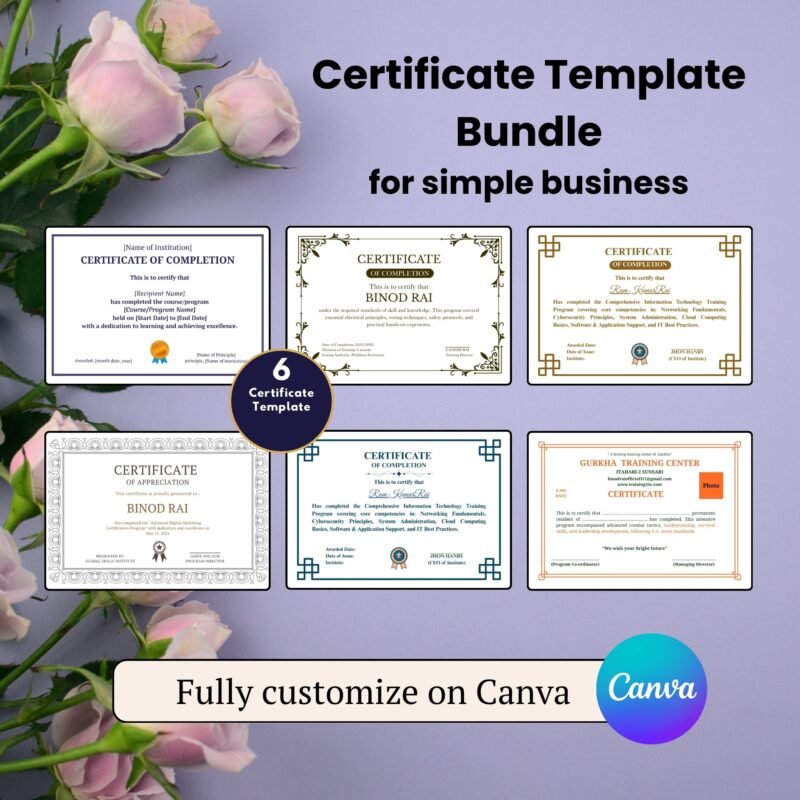
Certificate Template for Canva
A certificate template helps you design and print awards, recognitions, and achievements in minutes. Whether you need it for school, training, or business use, this editable template gives you full control. It saves time, keeps your design neat, and helps you present your awards with style.
This certificate template is made for Canva, a trusted online design tool. You don’t need design skills to use it. Open the file, replace the sample text, and your professional-looking certificate is ready to print or share online.
Why You Need This Certificate Template
Many people struggle to design certificates from scratch. Fonts don’t match, layouts look uneven, and printing becomes messy. This certificate template fixes all that. It comes with a clean design, editable text boxes, and balanced spacing.
You can use it for:
Academic awards
Employee recognition
Course completion
Event participation
Volunteer appreciation
It’s perfect for schools, coaches, business owners, and freelancers who want quick, polished results.
Easy to Edit on Canva
Once you buy this certificate template, you get instant access to edit it on Canva. You can:
Change colors and fonts
Add your logo
Replace names and titles
Adjust layout and icons
No software is required. Canva runs online, so you can edit from your computer, tablet, or phone.
After editing, download your file as a PDF, JPG, or PNG. You can print it or send it digitally to your recipients.
Professional Design You Can Trust
A certificate should look official. That’s why this certificate template uses elegant fonts, neat borders, and balanced alignment. It’s tested for both digital and print use.
Whether you’re printing in color or black and white, your final design will stay sharp and clear. Every element is editable, so your design stays consistent with your brand or event theme.
How to Get Your Certificate Template
Click the Buy Now button.
After checkout, you’ll get a download link.
Open the link in Canva.
Edit your certificate with your details.
Save and download your final design.
That’s it! You’ll have a polished certificate in less than 10 minutes.
⚡ SELLING DIGITAL PRODUCTS? AUTOMATE YOUR LICENSES!
Don’t waste hours manually editing certificates for every customer! Generate professional, custom license certificates in seconds with our Digital Product License Certificate Generator Web App.
👉 [Click Here to Automate Your License Certificates Now]
Why Buy from Us
Ready-to-use design
100% editable in Canva
Lifetime access to the template
Instant digital download
Perfect for business or personal use
You’re not just buying a file you’re saving hours of design time.
Looking for a different style? Check out our alternative premium Certificate Template here: [Insert Link Here]
FAQ
1. Can I edit this certificate on my phone?
Yes. Canva works on any device, including phones and tablets.
2. Do I need a Canva Pro account?
No. This certificate template works with the free version of Canva.
3. Can I change colors and fonts?
Yes. Every part of the template is editable, including colors, text, and images.
4. Will I get a printed copy?
No. This is a digital download. You can print it yourself or use a print service.
5. Can I reuse the same design?
Yes. You can reuse and edit it for different names or events.
Related Products:
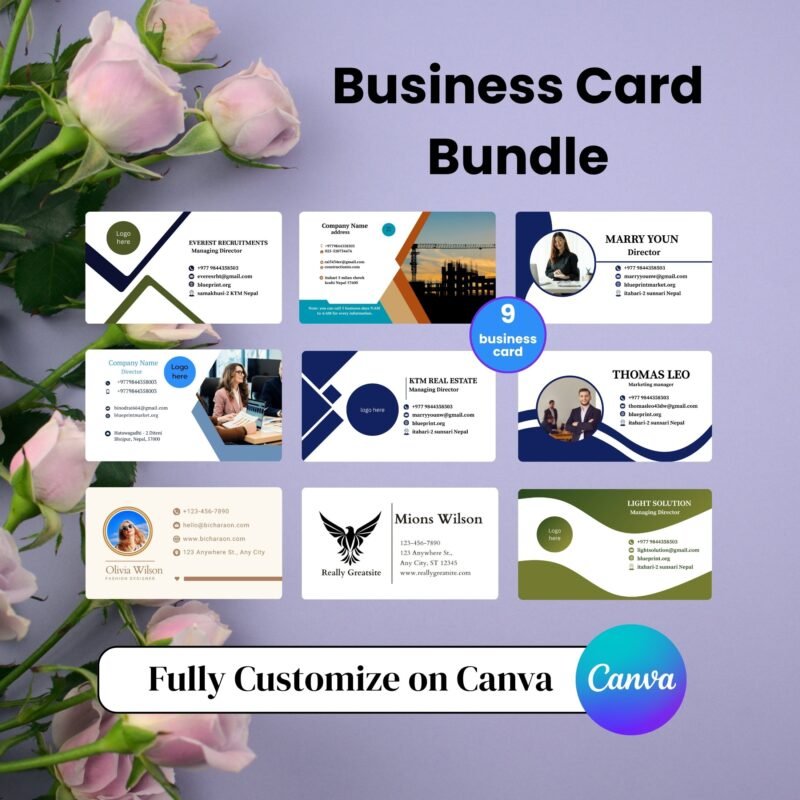
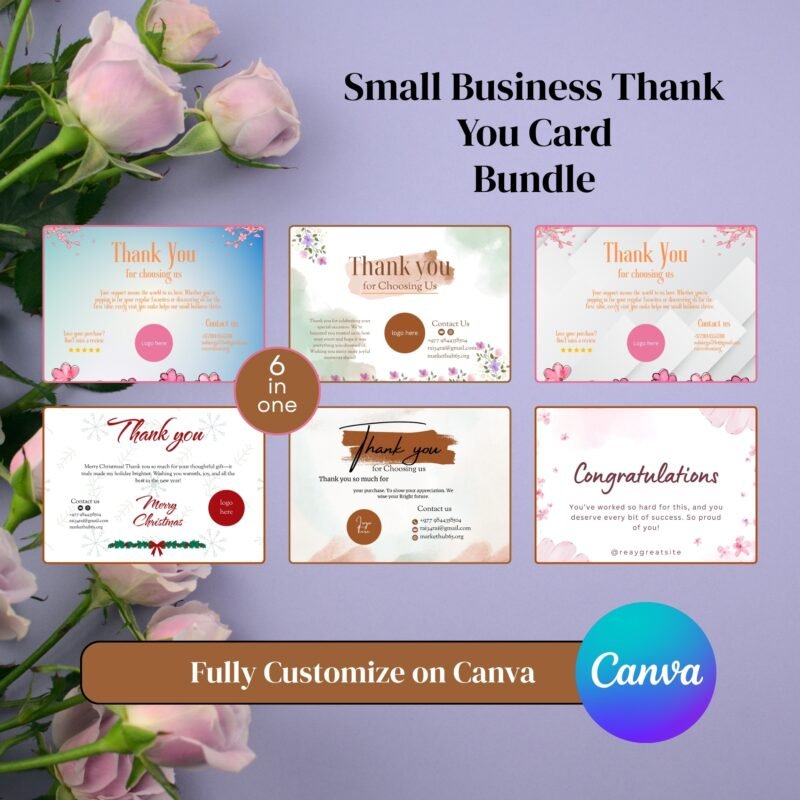
- Canva Thank You Card Templates for Business, Weddings & Events
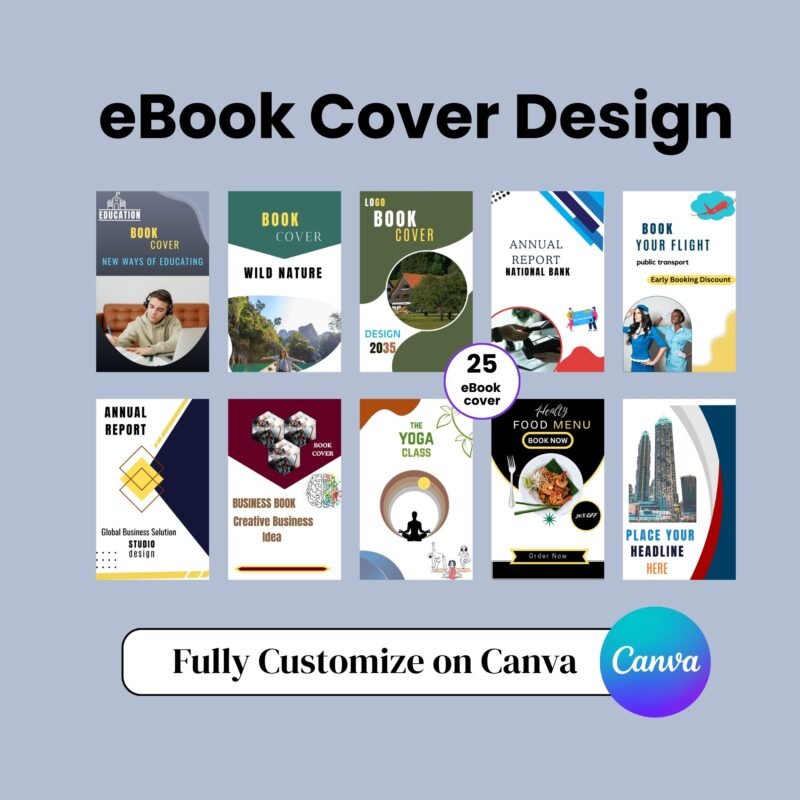
- eBook Cover Design for Canva: Customize, and Download Instantly
- Canva Business Card Templates: Order Now +63% off Today
✔ Verified Internal Resource



Reviews
There are no reviews yet.