When renewal dates are scattered across emails, bills, bank statements, and different apps, it becomes easy to forget what you are paying for. A subscription you no longer use can continue charging your account for months. That is where a subscription tracker can help?
Subscriptions have become a normal part of everyday spending. Streaming services, software, cloud storage, memberships, online tools, and other recurring services can quietly add up month after month. The problem is not always how much one subscription costs. The bigger problem is keeping track of all of them.
Instead of trying to remember every recurring payment manually, you can keep your subscriptions, renewal dates, recurring expenses, and related financial commitments organized in one place.
What Is a Subscription Tracker?
A subscription tracker is a tool that helps you organize and monitor recurring payments. Depending on the tool, you may be able to record information such as:
- Subscription name
- Monthly or yearly price
- Billing frequency
- Next renewal date
- Category
- Payment method
- Subscription status
- Trial expiration date
- Notes and reminders
The goal is simple: know what you are paying for, when you will be charged, and how much your recurring commitments cost over time.
Modern subscription-tracking tools commonly focus on renewal reminders, recurring spending visibility, and helping users identify subscriptions they may no longer need.
Why You Should Track Your Subscriptions
It is easy to underestimate recurring expenses because individual charges often look small. A $9.99 subscription might not feel significant. Neither might a $14.99 membership or a $5.99 software plan.
But when several recurring payments are combined, the total can become substantial.
For example:
| Recurring Expense | Monthly Cost |
| Streaming Service | $15 |
| Music Subscription | $11 |
| Cloud Storage | $3 |
| Software | $20 |
| Membership | $25 |
| Total | $74/month |
That is $888 per year.
A subscription tracker makes this total easier to see. Instead of looking at individual transactions, you can look at your recurring spending as a complete picture.
1. See Your Total Subscription Spending
One of the most useful features of a subscription tracker is being able to see how much your recurring services actually cost.
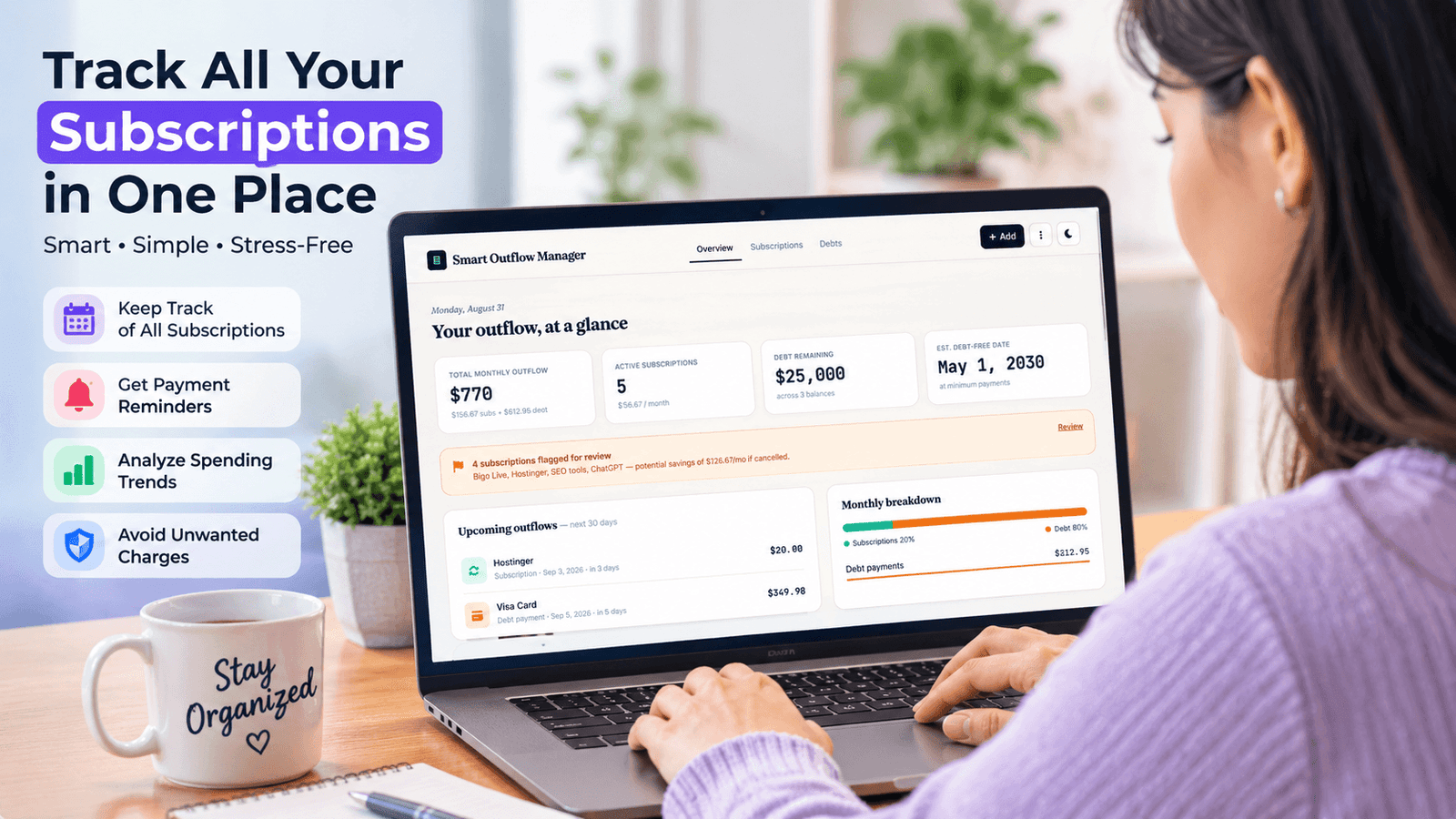
Your dashboard can show:
- Total monthly subscription cost
- Estimated annual subscription cost
- Number of active subscriptions
- Upcoming renewals
- Subscriptions that need review
Seeing the annual number can be especially useful. A collection of small monthly payments can turn into hundreds or even thousands of dollars per year.
2. Never Forget a Renewal Date
Renewal dates are one of the biggest reasons to use a subscription tracker. Some services renew monthly. Others renew annually or on different billing schedules.
If you forget about an annual subscription, you might not notice the charge until after the payment has already been processed. A renewal tracking system lets you keep upcoming billing dates visible so you can review a subscription before the next charge.
This is especially useful for:
- Annual software licenses
- Fitness memberships
- Streaming services
- Cloud storage
- Productivity tools
- Business software
- Free trials
3. Keep Free Trials Under Control
Free trials can be useful, but they can also become unexpected recurring charges. You sign up for a service, forget about it, and the trial automatically converts into a paid subscription.
A tracker with trial tracking lets you record the trial expiration date and review the service before the billing period begins. Instead of relying on memory, you have a clear place to check your upcoming trial deadlines.
4. Find Potential Savings
Tracking your subscriptions is not only about knowing what you spend. It can also help you identify where you might save money. For example, you might discover:
- A service you rarely use
- Two subscriptions with similar purposes
- An old membership you forgot about
- A yearly subscription that is no longer valuable
- A free trial that is about to become paid
Once these expenses are visible, you can decide whether to keep, review, downgrade, or cancel them.
A good subscription tracker should help turn financial information into actionable decisions, rather than simply displaying a list of charges.
Subscription Tracker vs. Spreadsheet
A spreadsheet can certainly be used to track subscriptions.
However, a dedicated subscription tracker can make the process more convenient because the information is organized around recurring payments.
Spreadsheet
- Flexible
- Highly customizable
- Requires manual organization
- Renewal tracking may require formulas
- Analytics may require additional setup
Subscription Tracker
- Designed specifically for recurring payments
- Easier renewal tracking
- Dedicated subscription dashboard
- Spending summaries
- Trial and reminder features
- Easier ongoing maintenance
A spreadsheet is still useful for people who want complete customization. But a dedicated tracker can be simpler for people who want a ready-to-use system.
What About Debt Tracking?
Subscriptions are only one part of your recurring financial commitments. Debt can also require regular monitoring. That is why combining a subscription tracker, and debt tracker can be useful.
You can keep track of things such as:
- Credit card balances
- Student loans
- Auto loans
- Mortgages
- Interest rates
- Minimum payments
- Due dates
- Remaining balances
This gives you a broader view of your financial obligations rather than focusing exclusively on subscriptions.
Subscription Tracker and Debt Tracker in One Dashboard
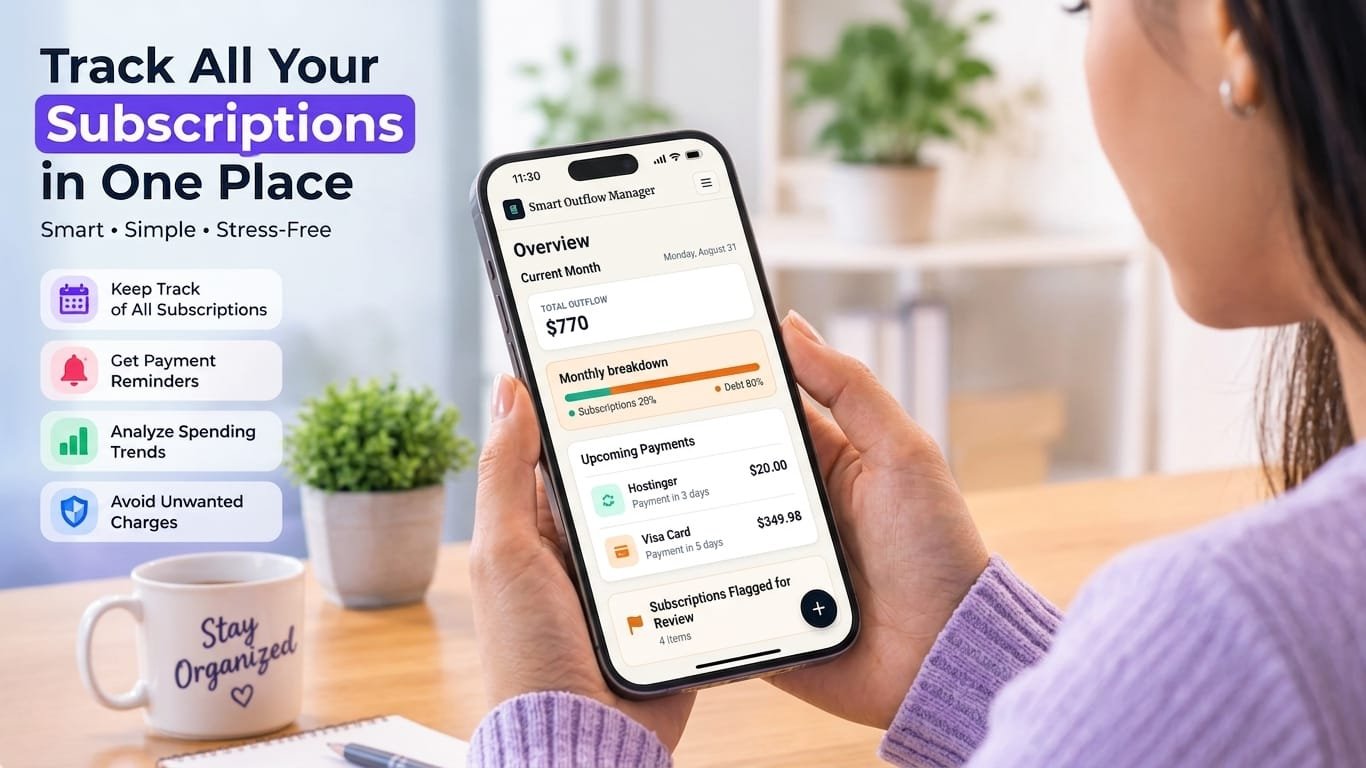
Instead of using one tool for subscriptions and another for debt, a combined financial dashboard can bring both areas together. For example, a dashboard might show:
Subscriptions
- 8 active subscriptions
- $126/month recurring cost
- $1,512 estimated yearly cost
- 3 upcoming renewals
Debt
- 4 active debts
- Total outstanding balance
- Upcoming payments
- Debt categories
This makes it easier to understand your recurring financial commitments at a glance.
What Features Should You Look for in a Subscription Tracker?
Not every tracker offers the same features. If you are choosing a subscription management tool, look for features such as:
Renewal Tracking
You should be able to see when subscriptions are scheduled to renew.
Recurring Expense Analytics
Monthly and annual totals help you understand the real cost of recurring services.
Trial Tracking
Trial expiration dates can help prevent unwanted conversions.
Reminders
Notifications or reminders can help you review subscriptions before renewal.
Savings Opportunities
The ability to flag unused or unnecessary subscriptions makes the tracker more actionable.
Debt Tracking
If you want broader financial organization, debt management can be an important additional feature.
Backup and Export
If your data is stored locally, backup and export functionality becomes particularly important.
A Simple Subscription Management Routine
You do not need to spend hours managing subscriptions. A simple monthly routine can work well.
Step 1: Add Your Recurring Payments
Enter your subscriptions and recurring expenses.
Step 2: Add Renewal Dates
Record the next billing or renewal date.
Step 3: Review Your Monthly Total
Look at your total recurring spending.
Step 4: Check Upcoming Renewals
Review subscriptions that are about to renew.
Step 5: Identify Unused Services
Mark subscriptions you rarely use for review.
Step 6: Look for Savings
Decide whether any subscriptions should be cancelled, downgraded, or replaced.
Step 7: Keep Your Data Backed Up
If your tracker stores information locally in your browser, periodically export a backup so you do not lose your records when browser storage is cleared.
Why a Subscription Tracker Can Make Financial Organization Easier
The biggest benefit of a subscription tracker is visibility. You cannot easily manage recurring expenses that you have forgotten about.
When your subscriptions and recurring commitments are organized in one place, you can make better decisions about what you actually want to continue paying for.
It does not automatically solve your finances, and it does not replace a complete budgeting system. Instead, it gives you a focused way to answer important questions:
What am I paying for?
How much do my recurring expenses cost?
What is renewing soon?
Which subscriptions should I review?
Where could I potentially save money?

Take Control of Your Recurring Expenses
A subscription tracker is a simple financial organization tool, but it can make a meaningful difference in how you understand recurring spending.
By tracking subscriptions, renewal dates, trials, recurring expenses, and debt in one organized dashboard, you can reduce the chance of forgetting payments and make it easier to identify expenses that deserve another look.
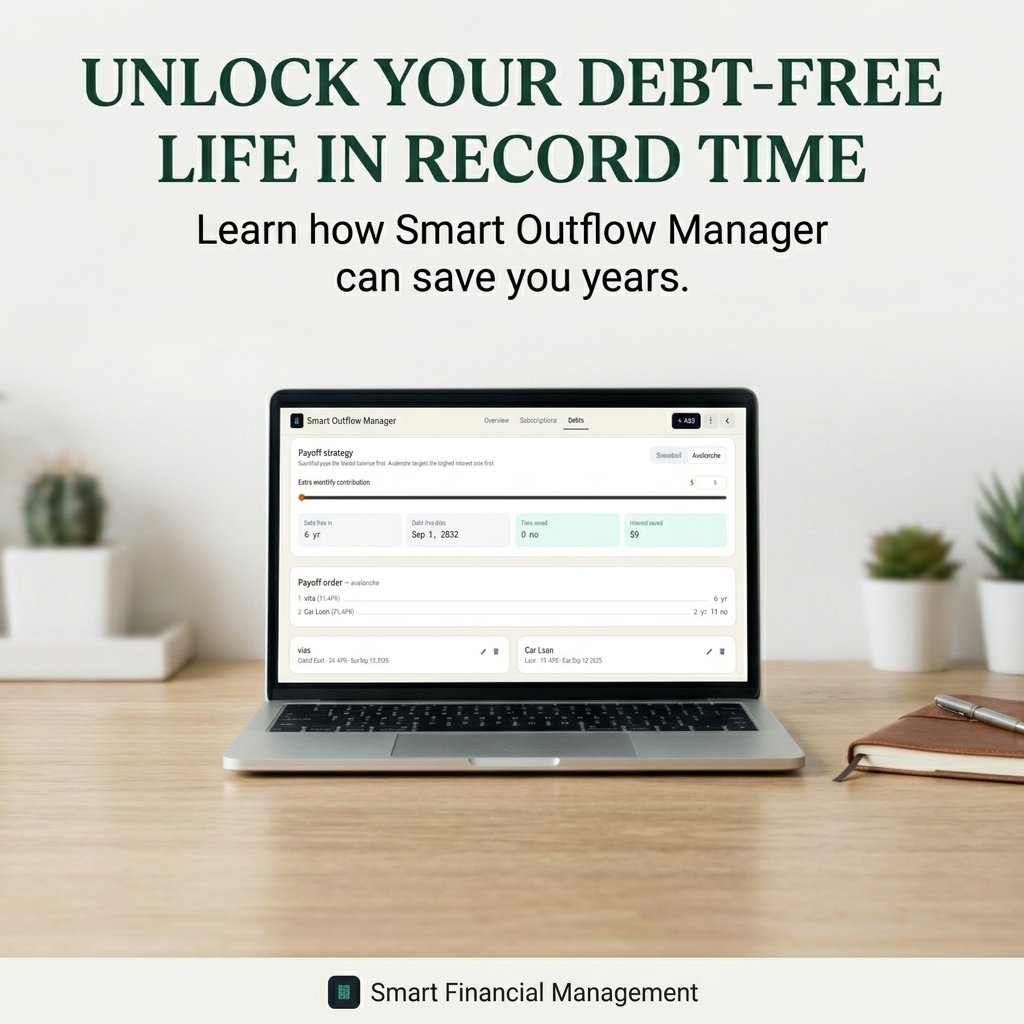
If you want a simple way to organize your recurring financial commitments, Smart Outflow Manager brings subscription tracking, debt tracking, renewal monitoring, spending insights, and potential savings into one dashboard.
Start Managing Your Subscriptions Smarter. Track your subscriptions. Monitor your renewals. Understand your recurring expenses. Stay on top of your debt. Try Smart Outflow Manager today.
Do You Know How Much You Spend on Subscriptions?
Keep your recurring payments, renewal dates, and subscription costs organized in one place. Explore our Subscription Tracker and take control of your recurring expenses today.
Want to Take Control of Your Monthly Budget?
Not sure where your money goes each month? Try our Free Monthly Budgetora Planner to organize your income, expenses, savings, and spending goals in one simple place. Start planning your monthly budget for free today.
Frequently Ask Quetion:
A subscription tracker is a tool that helps you keep track of your recurring subscriptions, payments, renewal dates, and monthly or yearly costs. It gives you a clear view of where your money goes and helps you find subscriptions you may no longer need.
A subscription tracker stores details about each subscription, such as the service name, payment amount, billing cycle, and renewal date. You can use this information to monitor recurring expenses, review upcoming payments, and manage your subscriptions in one place.
A useful subscription expense tracker should track the subscription name, price, billing cycle, renewal date, payment frequency, and free trial period. You can also track whether a subscription is active, canceled, or no longer needed.
The best way to track subscriptions is to keep all recurring payments in one organized system. A subscription tracker can help you record monthly and yearly subscriptions, monitor renewal dates, review recurring expenses, and identify services that are costing more than expected.
Yes. A monthly subscription tracker can help you monitor monthly payments, while a yearly subscription tracker can help you keep track of annual renewals. Tracking both billing types makes it easier to understand your total subscription spending.
A subscription tracker can help you find unused, duplicate, or expensive subscriptions. By reviewing your recurring expenses regularly, you can cancel services you no longer use and reduce unnecessary monthly or yearly spending.
A subscription tracker can be easier to use than a basic spreadsheet because it is designed around recurring payments and subscription management. A spreadsheet can still work well if you only need a simple list of subscriptions, costs, and renewal dates.