




Description
Stay Organized and Secure: The Best Password Tracker Template You’ll Ever Need
Managing passwords can be a daily struggle. Too many accounts, too many combinations. If you’ve ever forgotten a login, you know how stressful it can be. That’s where a password tracker comes in handy.
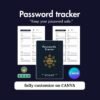
My editable password tracker template on Canva helps you store all your login details in one secure, easy-to-use place. You can edit it online, print it, or keep it as a digital file. No more lost passwords or reset links in your inbox.
Why You Need a Password Tracker
Everyone uses dozens of online accounts today. Each one needs a unique password. Reusing the same password is risky. Writing them on sticky notes isn’t safe either.
A password tracker gives you structure. It keeps your online life organized. You can record your website names, usernames, passwords, and notes in one clean format. When you need to log in, everything is right where it should be.
About This Password Tracker Template
This password tracker is a digital template made in Canva. It’s fully editable. You can change colors, text, and layout to match your style. Once done, you can print it or save it as a PDF.
You don’t need design skills to use it. Just open the link in Canva, edit your details, and you’re ready. Canva’s drag-and-drop tool makes it simple for anyone.
The layout is clean and minimal. There’s enough space for each entry, and the headings keep everything neat. It’s perfect for both personal and business use.
What Makes This Password Tracker Special
This isn’t just a basic sheet. It’s designed for real-life use. I built it after struggling with scattered logins myself. I needed something easy, pretty, and flexible. That’s what this password tracker offers.
Here’s what makes it stand out:
Editable in Canva – Customize fonts, colors, and size.
Printable – Keep a paper copy if you prefer.
Instant Access – Download link right after purchase.
Reusable – Add, delete, or duplicate pages anytime.
Organized Design – Clear fields for each login entry.
This password tracker is not only functional but also stylish. You’ll enjoy filling it out and keeping it updated.
How It Helps You Stay Secure
Using a password tracker helps prevent account lockouts and forgotten credentials. It’s also a good backup if your password manager app ever fails.
For extra safety, you can:
Print your tracker and store it in a locked drawer.
Avoid sharing your digital file with others.
Update passwords regularly and record changes.
Security starts with being organized. This template gives you peace of mind and control over your digital access.
Who Can Use This Template
This password tracker is perfect for:
Students managing school accounts
Small business owners tracking multiple logins
Families sharing device passwords
Freelancers with client accounts
Anyone who uses more than a few passwords can benefit. It’s also a great printable to include in planners or digital journals.
How to Use It
Click the purchase button on my website.
You’ll get an instant download link.
Open the link in Canva (free or pro account).
Edit your text, colors, and layout.
Save or print your personalized password tracker.
You’ll have full control. It’s simple, fast, and beginner friendly.
Why Buy from My Website
I create templates that make everyday life easier. Each product is tested and designed for real use. Buying directly from my site gives you instant access, clear instructions, and friendly support.
Your data matters, and your trust matters more. That’s why I keep the process simple, secure, and transparent.
What Customers Say
Users love how easy this password tracker is to edit and print. Many said it helped them finally organize their online accounts. They enjoy how clean and modern the design looks.
If you value simplicity and style, this template is for you.
Final Thoughts
Passwords are part of life now. Keeping track of them shouldn’t be hard. My editable password tracker makes it simple, safe, and organized.
Stop wasting time searching for forgotten logins. Get your template today and enjoy peace of mind knowing your information is organized.
Click below to buy your password tracker template now. Edit, print, and stay secure.
[Ready to turn your online presence into a profit-generating machine? As you organize your digital logins, don’t just secure your accounts. learn how to monetize them! Grab your copy of our Passive Income Ideas eBook today and start building your own income streams alongside managing your digital assets!]
FAQ
1. What is a password tracker?
A password tracker is a tool that helps you record and organize your login details in one place.
2. Is this password tracker safe to use?
Yes. It’s a printable or digital file that stays with you. Keep it stored securely.
3. Can I edit this template on Canva for free?
Yes. You can use a free Canva account to edit and personalize it.
4. Can I print the password tracker?
Yes. You can print it on standard paper or save it as a PDF for digital use.
5. How do I get the template after purchase?
You’ll get an instant link to edit the password tracker in Canva right after checkout.
6. Can I reuse the tracker for more accounts?
Yes. You can duplicate pages or add new sections in Canva anytime.
Related Products:
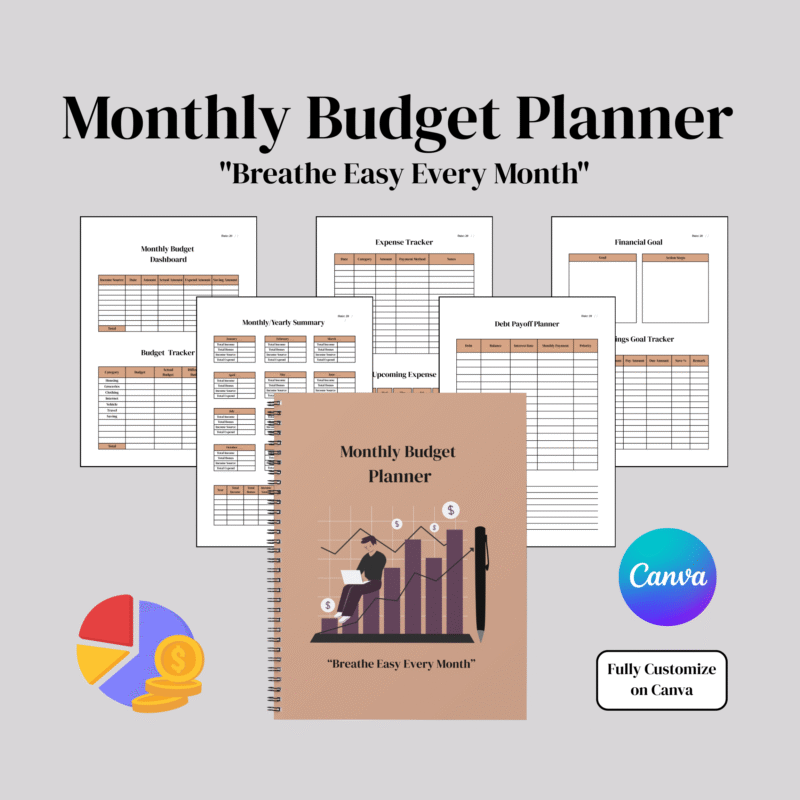
- Monthly Budget Planner: Track Income, Bills, and Savings Easily
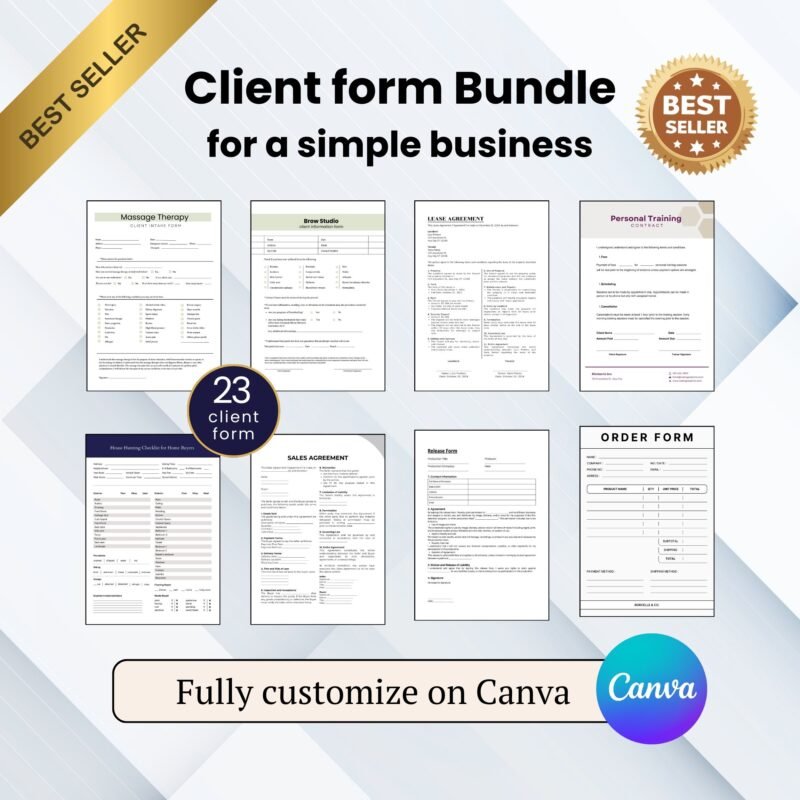
- Client Form Template: Easy Digital Form on Canva
✔ Verified Internal Resource


Reviews
There are no reviews yet.