


Description
Take Total Control of Your Financial Freedom with Expenso Budget Planner
Are you tired of wondering where your hard-earned money disappears every month? Managing personal finances, tracking daily expenditures, keeping up with subscription renewals, and trying to build a solid savings account can quickly become overwhelming on our Expenso Budget Planner.
Spreadsheets are often rigid and outdated, while standard mobile apps lack the visual depth needed to really understand your money habits.
Meet Expenso Budget Planner an intuitive, highly responsive, and modern front-end web application engineered to transform how you track, manage, and optimize your personal finances.
Designed with elegance and user experience in mind, Expenso acts as your personal financial command center, providing you with real-time insight into your cash flow right from your browser.
🌟 Key Features & Capability Breakdown
1. Intuitive Real-Time Dashboard
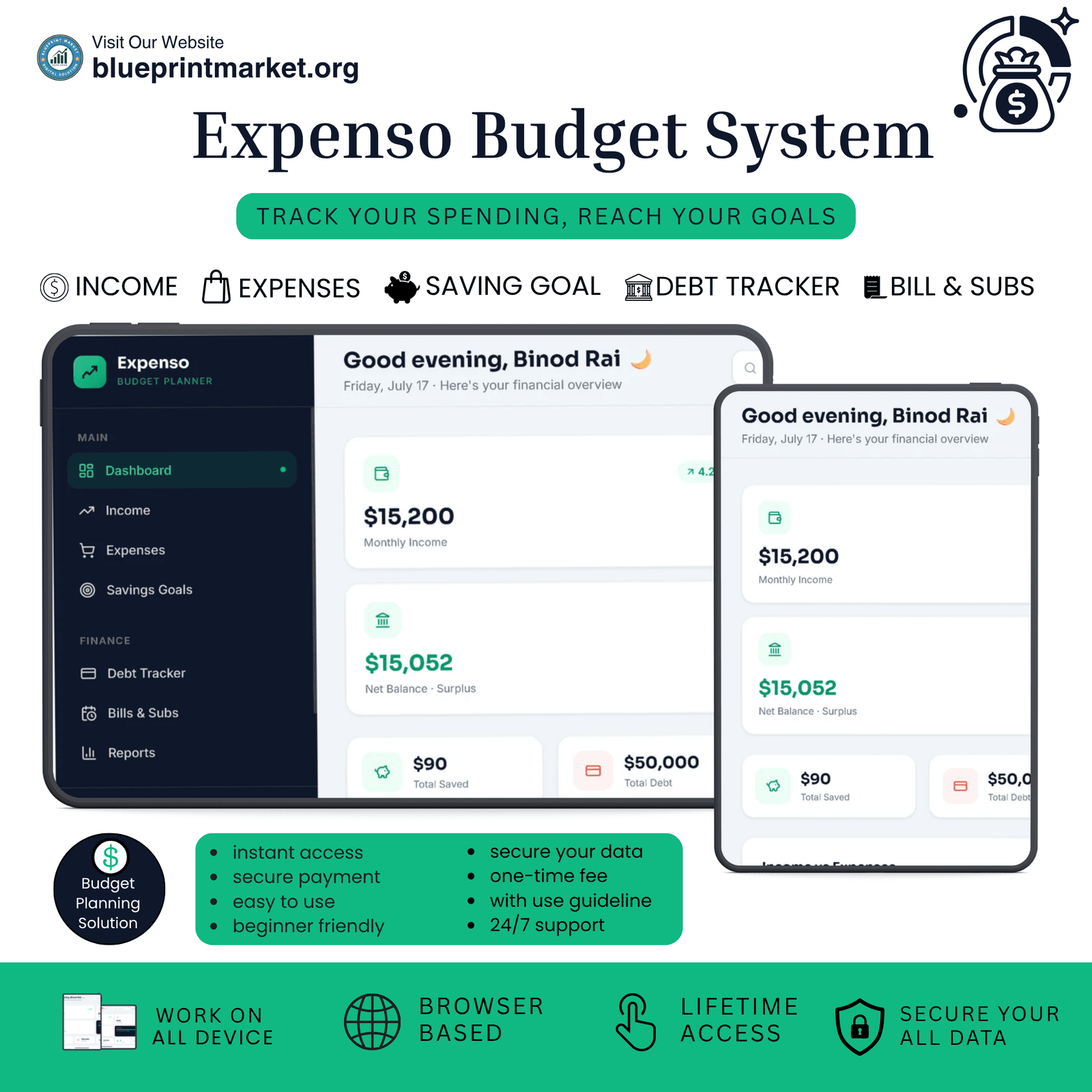
At the heart of Expenso is its clean, streamlined dashboard. Instantly gain bird’s-eye clarity over your financial health the moment you log in.
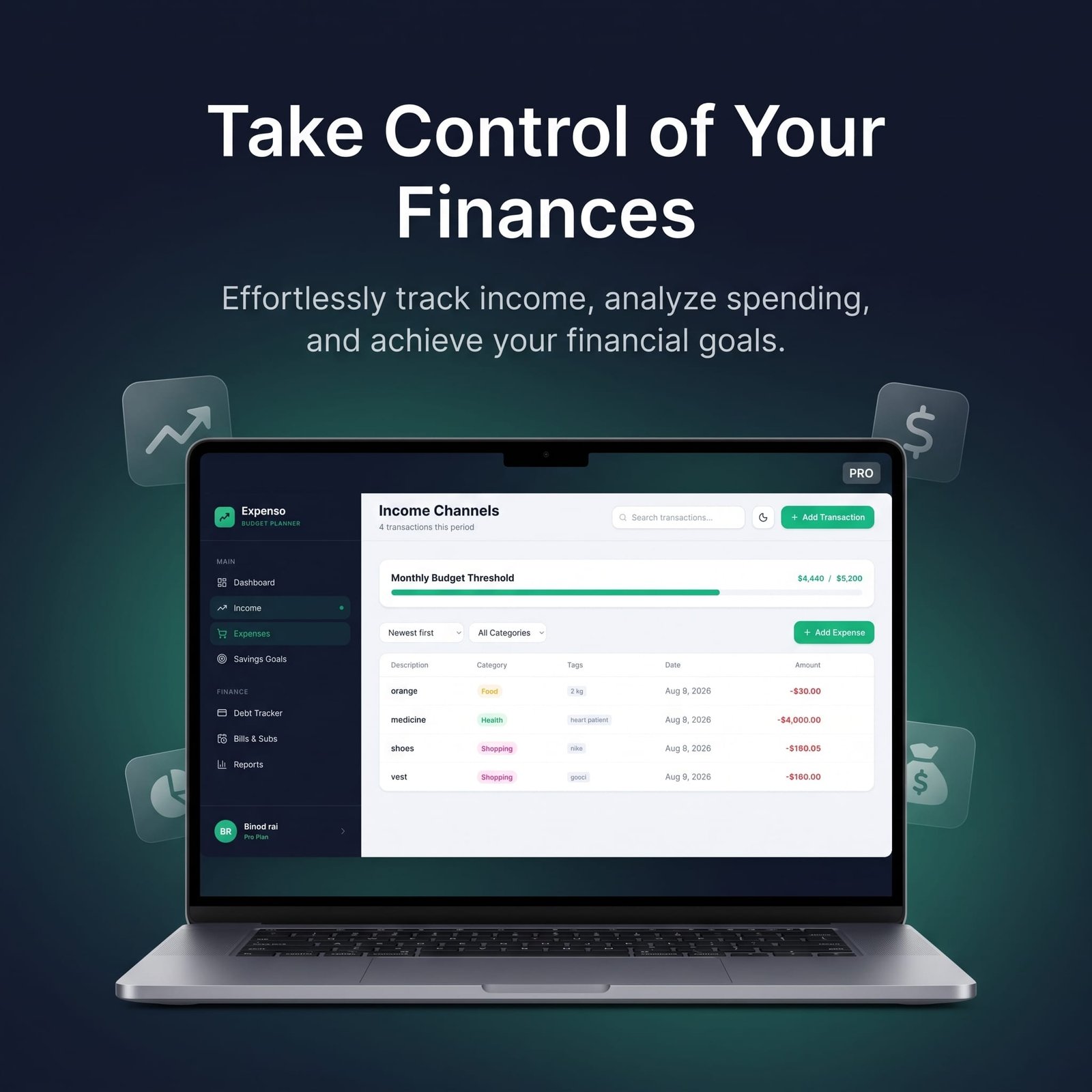
The top metrics display your Monthly Income, Total Expenses, Total Saved, and Total Debt in real-time. With clear color-coded visual cards and growth indicators, you can evaluate your net balance in seconds without doing manual math.
2. Smart Income & Expense Tracking
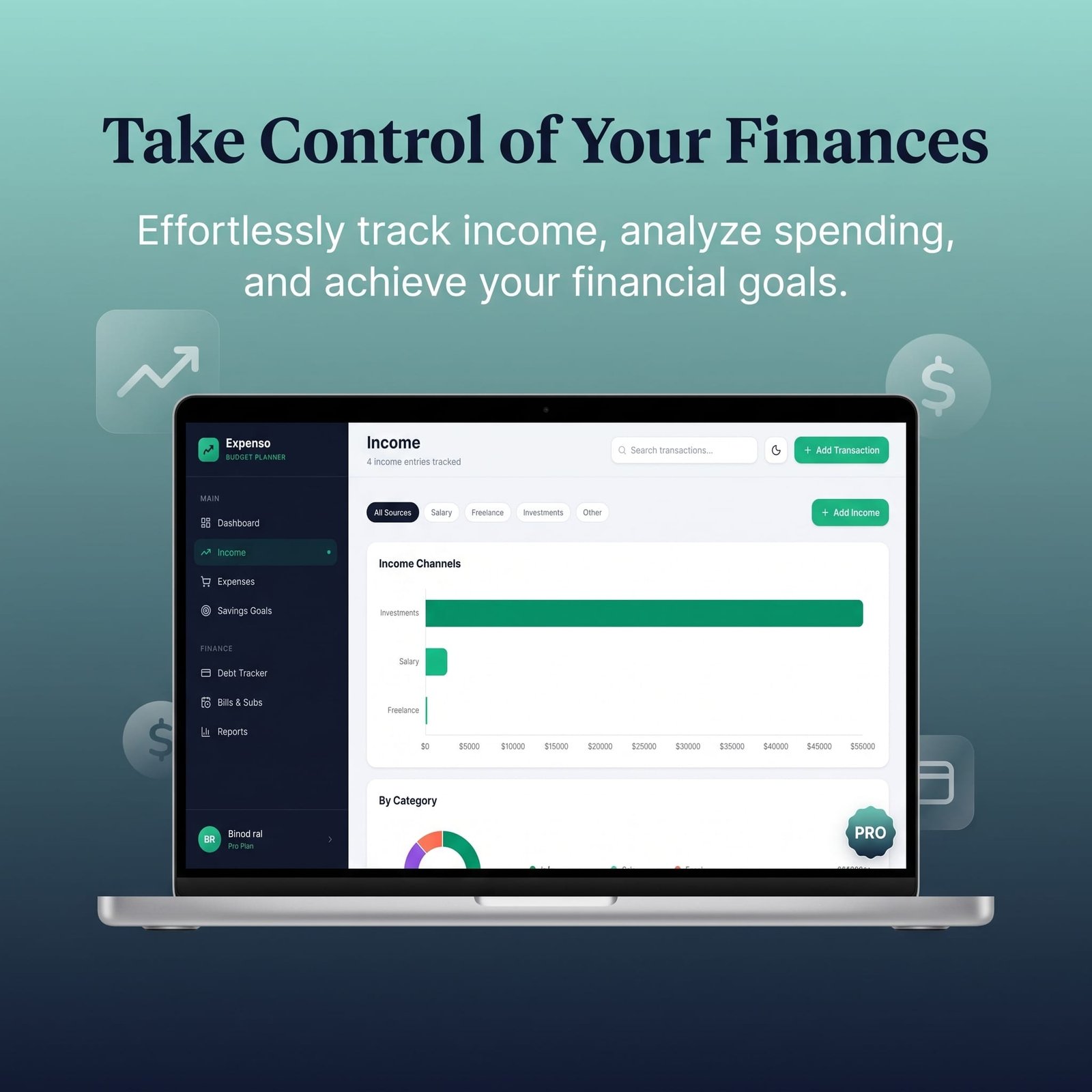
Logging your money shouldn’t feel like a chore. Expenso allows you to effortlessly record every single transaction whether it’s your monthly salary, freelance earnings, everyday grocery bills, or sudden emergency repairs.
Categorize your cash flow seamlessly so you always know exactly how much you are earning versus how much you are spending.
3. Advanced Visual Analytics (Income vs. Expenses)
Numbers alone don’t tell the whole story, but charts do! Expenso features built-in graphical analytics that plot your income against your expenses over custom timeframes.
Easily spot spending spikes, evaluate your monthly savings rate, and identify unnecessary expense trends so you can adjust your habits before it’s too late.
4. Dedicated Savings Goals Manager
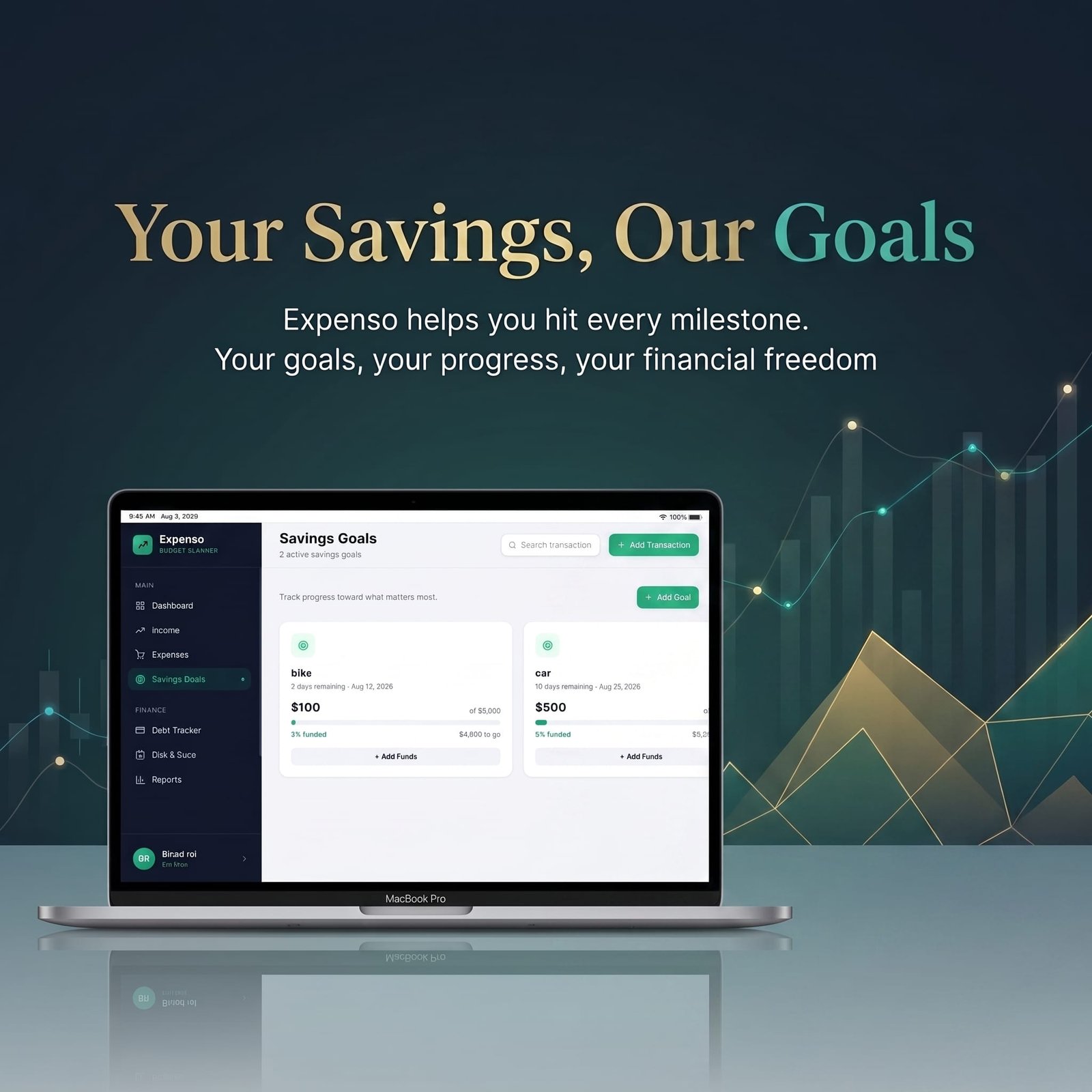
Building wealth requires consistency and goal setting. Whether you are saving up for a dream holiday, a down payment on a new home, or building a 6-month emergency reserve fund, Expenso keeps you accountable.
Set distinct financial targets, track your ongoing deposits, and watch your progress bars fill up as you get closer to your financial milestones.
5. Comprehensive Debt Tracker
Paying off debt is one of the most critical steps toward financial independence. With Expenso’s dedicated Debt Tracker, you can keep detailed logs of all credit card balances, personal loans, or borrowed amounts.
Monitor your overall repayment progress and stay motivated as you eliminate debts one by one.
6. Bills & Subscriptions Manager
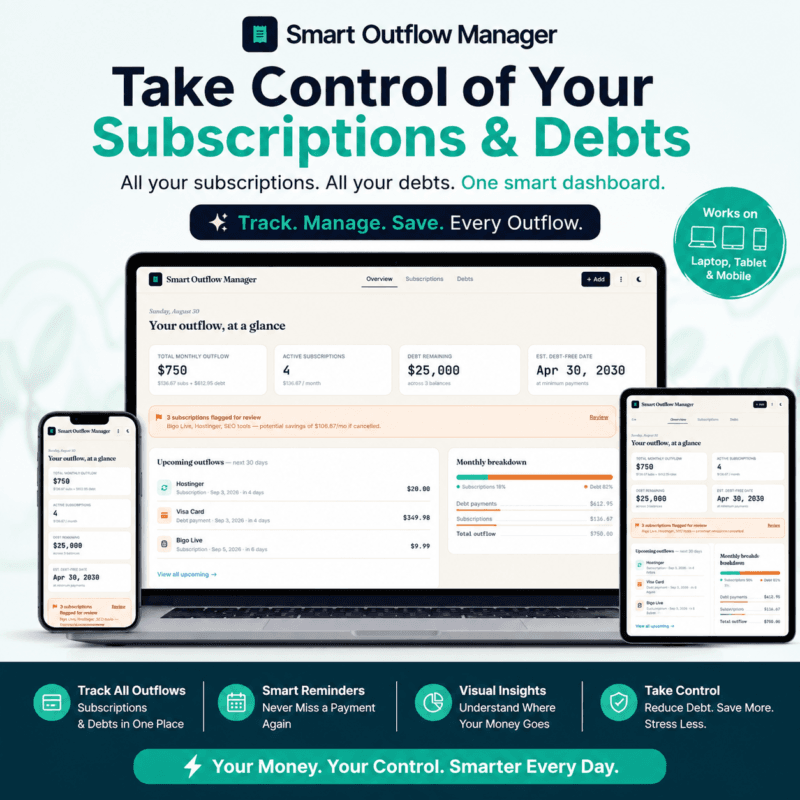
Never get caught off-guard by auto-renewing subscriptions again! From streaming platforms and gym memberships to monthly internet and utility bills.
Expenso helps you monitor all recurring expenses in one centralized location. Stay organized and avoid unnecessary late fees or forgotten recurring charges.
Track your subscriptions, debts, recurring expenses, and potential savings all in one place with our Smart Outflow Manager.
👉 [Explore Smart Outflow Manager]
💻 Technical Specifications & Compatibility
Architecture: Modern, ultra-lightweight Interactive Front-End Web Application.
Core Technologies: High-performance HTML5, CSS3, and modern JavaScript and save your data on local storage.
Design System: Clean dark/light balance, sleek card UI, and fully responsive layouts.
Connectivity: Requires an active internet connection to load web assets and render interactive interfaces efficiently.
Device Support: Optimized for laptops, desktop computers, and desktop-view tablets.
Want a physical copy? Click here to download your printable expense tracker.
🚀 Why Choose Expenso Budget Planner?
Expenso was built for individuals who want an effortless, beautiful, and distraction-free budgeting experience. No complex database setups, no bloated software installations just a smooth, high-speed web interface that helps you build better financial discipline every single day.
Take charge of your pocket, plan for the future, and achieve peace of mind with Expenso Budget Planner today!
🎁 BONUS: Want a 100% FREE Monthly Budgeting Tool?
Streamline your monthly expenses even further! Pair this planner with our Budgetora Monthly Budget Planner completely free to use.
🔗 [Get Your 100% Free Monthly Budget Planner Here]
License Terms:
1.STANDARD LICENSE (Personal Use Only)
Who can use this?
Individuals purchasing for their own personal organization and planning.
Allowed (What you CAN do):
- Use this planner for your own personal daily planning, organization, and life management.
- Download and install on your personal devices (Tablet, iPad, Phone, PC).
- Print unlimited copies for your personal use only.
Not Allowed (What you CANNOT do):
❌ Share, send, or email the original files or links to friends, family, or anyone else.
❌ Use this planner for any commercial, business, or client-related projects.
❌ Resell, sub-license, redistribute, or give away the original or edited files for free or paid.
2.COMMERCIAL LICENSE (Business & Client Projects)
Who can use this?
Freelancers, small business owners, agencies, and content creators.
Allowed (What you CAN do):
- Use this product for your business operations and internal workflow.
- Use this product to create completed end-projects for up to 50 Clients / Projects.
- Modify, customize, and brand the planner to fit your client’s needs.
Not Allowed (What you CANNOT do):
❌ Resell, share, or redistribute the planner files in their original editable format.
❌ Sell this product as a standalone planner on digital platforms (Etsy, website, marketplaces).
❌ Claim original ownership or copyright of the source files.
3. EXTENDED LICENSE (Unlimited Commercial & Resell Usage)
Who can use this?
Agencies, large businesses, and digital product sellers looking for maximum freedom.
Allowed (What you CAN do):
- Use this planner for unlimited personal, business, and client projects.
- Customize, re-brand, edit, and combine this product with other elements.
- Sell the modified final product (End Product) to end-users on your website or online store.
Not Allowed (What you CANNOT do):
❌ Resell or distribute the source files as-is without making significant additions or modifications.
❌ Trademark or copyright the original design elements provided in this pack.
Frequently ask Question
What is the Budget Planner Web App?
How does this web app planner differ from standard budgeting spreadsheets?
Can I track debt payments and monthly recurring bills with this app?
Is my financial data secure when using this web app?
Does this budget planner work across mobile phones and desktop devices?
Do I need accounting experience to use this budget planner effectively?
📌 Important Guide: Data Safety & Cross-Device Syncing
Our web planners use your browser’s Local Storage to keep your daily entries fast, responsive, and completely private without requiring any accounts or passwords.
⚠️ Key Points to Remember:
No Auto-Sync: Data saved on your mobile browser will not automatically sync to your computer/laptop.
Cache Clearance Alert: Clearing browser history, cookies, or site cache will permanently erase your saved progress. Always export/download a backup of your data BEFORE clearing your browser cache or history!
Incognito Mode: Avoid using private/incognito windows if you want to store progress long-term.
📱 How to Transfer Data from Mobile to Computer (or vice versa):
Export: Open the planner on your phone, click “Export Data” (or Backup) to download you. Json backup file.
Transfer: Send this downloaded file to your computer via Email, WhatsApp, or Google Drive.
Import: Open the planner on your desktop browser, click “Import Data”, choose the file, and your entries will restore instantly!
💡 Tip: Make it a habit to export regular backups using the built-in feature to keep your progress safe at all times.
Related Products:
- Smart Outflow Manager: Subscription & Debt Tracker
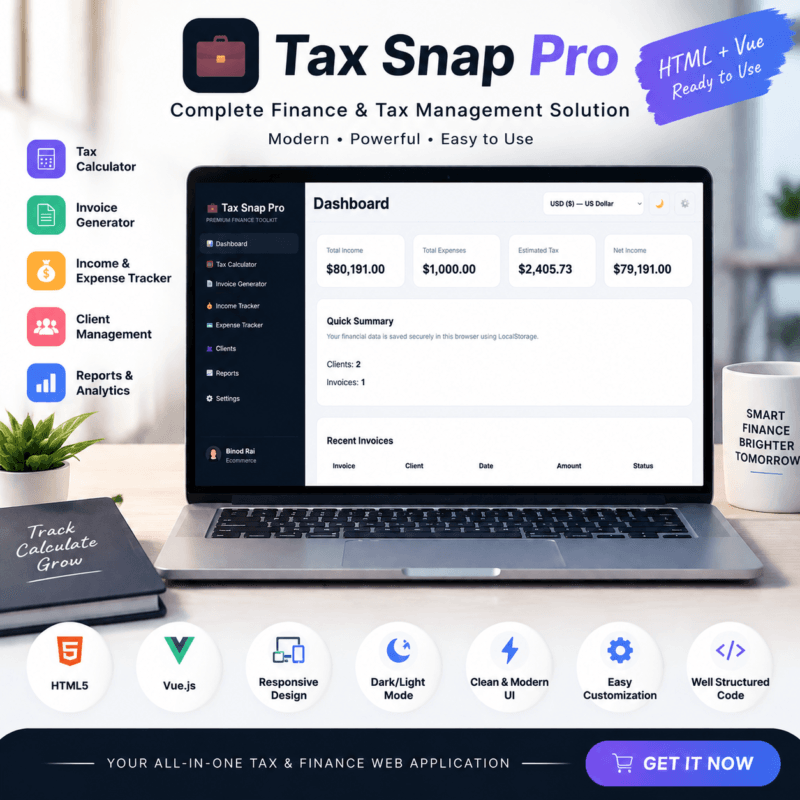
- Freelancer Tax Calculator & Invoice Generator Tool | Tax Snap Pro
✔ Verified Internal Resource


Joshua Clark (verified owner) –
Very good digital product. The download link was instant and the files are very well organized. I am giving 4 stars only because I wish there were a couple more color variants included, but overall it works wonderfully!
Liam Nelson (verified owner) –
The digital file works as expected for basic usage. Download was immediate, but it takes a little bit of time to understand the layout setup if you are a complete beginner. Decent tool overall.